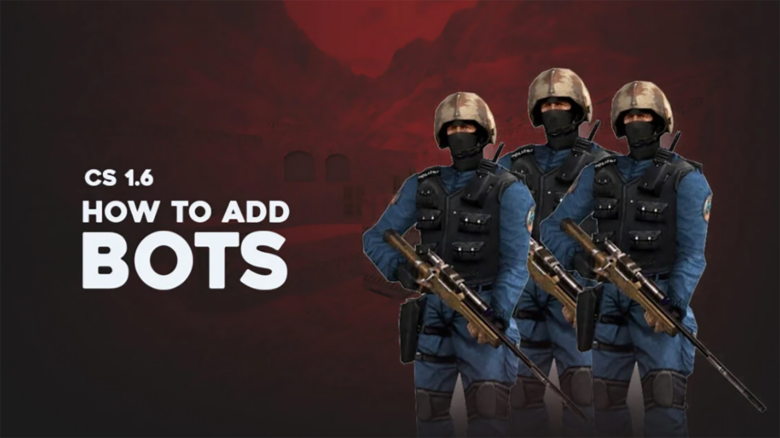
Counter-Strike 1.6 does not include built-in bots because it released before offline AI became standard in the series. You still have options, since the community developed reliable ways to add computer-controlled players and make offline matches possible.
You can add bots with minimal effort and play without an internet connection. Even after past updates caused temporary issues, current methods work as expected and remain practical for ongoing use.
How to add bots in Counter-Strike 1.6
Download a trusted CS 1.6 bot package and extract it to any folder on your system. Keep the files unmodified so the game recognizes them correctly.
Copy the cstrike, czero, and valve directories from the extracted files into your Counter-Strike 1.6 installation path. Most Steam installs use C:\Program Files (x86)\Steam\steamapps\common\Half-Life. Allow the system to overwrite existing files when prompted.
Launch the game and enable the developer console from settings. Use console commands to control bot behavior during matches.
Common bot commands
| Command | Action |
|---|---|
bot_add |
Adds a bot to the match |
bot_kick |
Removes all bots |
bot_add_ct |
Adds a Counter-Terrorist bot |
bot_add_t |
Adds a Terrorist bot |
Run these commands during a game session to populate empty slots or practice offline.
How to use bots in CS 1.6
After you install a bot pack, launch the game and start a new local server. Enable the option to include CPU-controlled players before loading the map. Set the number of bots and choose a difficulty that matches your goal, such as warm-up or full matches.
Use the CPU player settings to fine-tune how bots behave. These options let you control teamwork, aggression, and equipment limits. Adjust them before the match or between rounds to keep the pace consistent.
Common bot settings and what they change
| Setting | What it affects |
|---|---|
| Bots can act independently | Allows bots to roam or hold positions |
| Bots prioritize human players | Makes bots support you instead of leading |
| Weapon restrictions | Limits rifles, snipers, or grenades |
| Difficulty level | Changes aim accuracy and reaction time |
During gameplay, bots follow map objectives and communicate using radio calls. On higher difficulties, they react faster and coordinate pushes or holds. You can rely on them to fill empty slots without breaking round flow.
You can also manage bots through console commands if your mod supports them. Typical actions include adding or removing players, changing teams, or adjusting skill on the fly. Keep commands simple to avoid disrupting the match.
Bots make it easier to run classic team sizes when public servers focus on custom modes. You get structured rounds, predictable pacing, and reliable practice without waiting for other players.