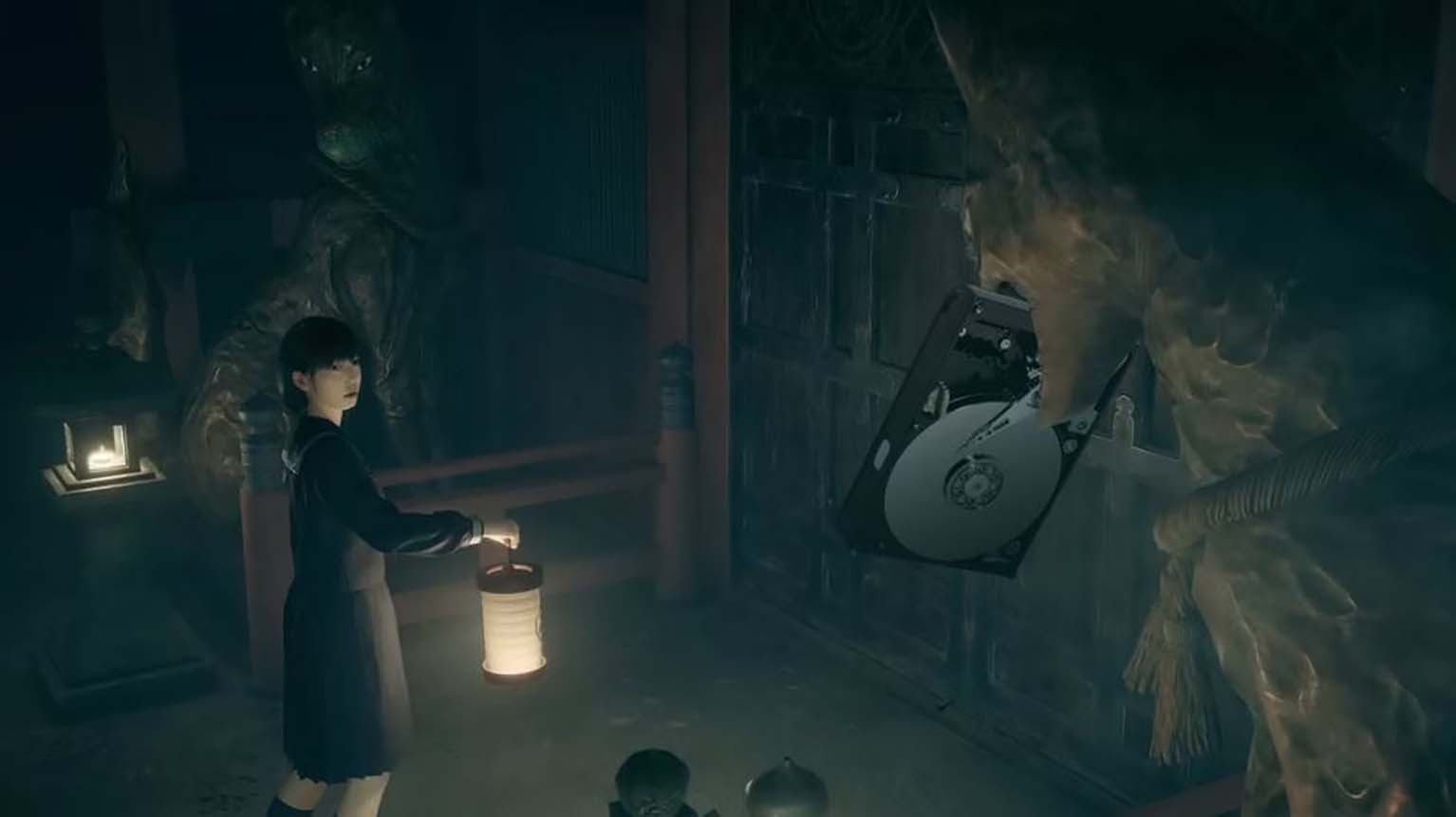
Silent Hill F File Size And Pre Load Date
Silent Hill f is preparing for launch with confirmed details on its storage requirements and pre-load availability. Both the Standard and Deluxe editions now have set download sizes, giving players a clear idea of how much space to reserve before release.
The series has built anticipation over the past several years, and the ability to pre-load ensures that fans can access the game as soon as it goes live. This step helps streamline the wait, allowing players to focus on the experience itself rather than setup.
Silent Hill f File Size and Pre-Load Dates
The upcoming release of Silent Hill f has confirmed storage requirements and pre-load schedules across its editions. Players on PlayStation 5 will need 36.637 GB of free space to install the game. Compared to other modern AAA titles, this is a relatively compact size, especially when measured against games such as Ghost of Yotei (85 GB) or Helldivers 2 (140 GB on PC).
The game is powered by Unreal Engine 5, developed by Neobards Entertainment, and published by Konami. It will be available exclusively in single-player mode and has been rated Mature 17+ for its strong content, including blood, gore, and intense violence.
A clear timeline separates the Standard Edition and Deluxe Edition, with the latter offering earlier access. Players who purchase the Deluxe version can begin pre-loading on September 21, 2025, while Standard Edition owners must wait until September 23, 2025. Release dates follow the same pattern: September 23, 2025 for Deluxe and September 25, 2025 for Standard.
| Edition | Pre-Load Date | Release Date | File Size |
|---|---|---|---|
| Deluxe Edition | Sept 21, 2025 | Sept 23, 2025 | 36.637 GB |
| Standard Edition | Sept 23, 2025 | Sept 25, 2025 | 36.637 GB |
This staggered schedule allows Deluxe players to enter the game world two days earlier than the Standard version, a common practice in modern releases.
Ads Are Currently Not Showing
Advertising plays a role in keeping gaming content available at no cost. When ads are blocked, it reduces support for the writers and developers who provide updates, guides, and coverage. Allowing ads ensures that these resources remain accessible.
Steps to Enable Ads for This Website
Ads may be blocked by browser extensions, VPNs, or antivirus tools. Adjusting these settings usually restores normal display:
- Browser Extensions
- Open the extension menu.
- Select an option such as “Pause on this site” or “Allow ads here”.
- Save changes and refresh the page.
- VPN Applications
- Go to settings or privacy features.
- Turn off ad-blocking or tracking protection.
- Reload the website.
- Antivirus or Security Software
- Check for web protection or ad filtering.
- Disable filtering for this site.
- Refresh to confirm changes.