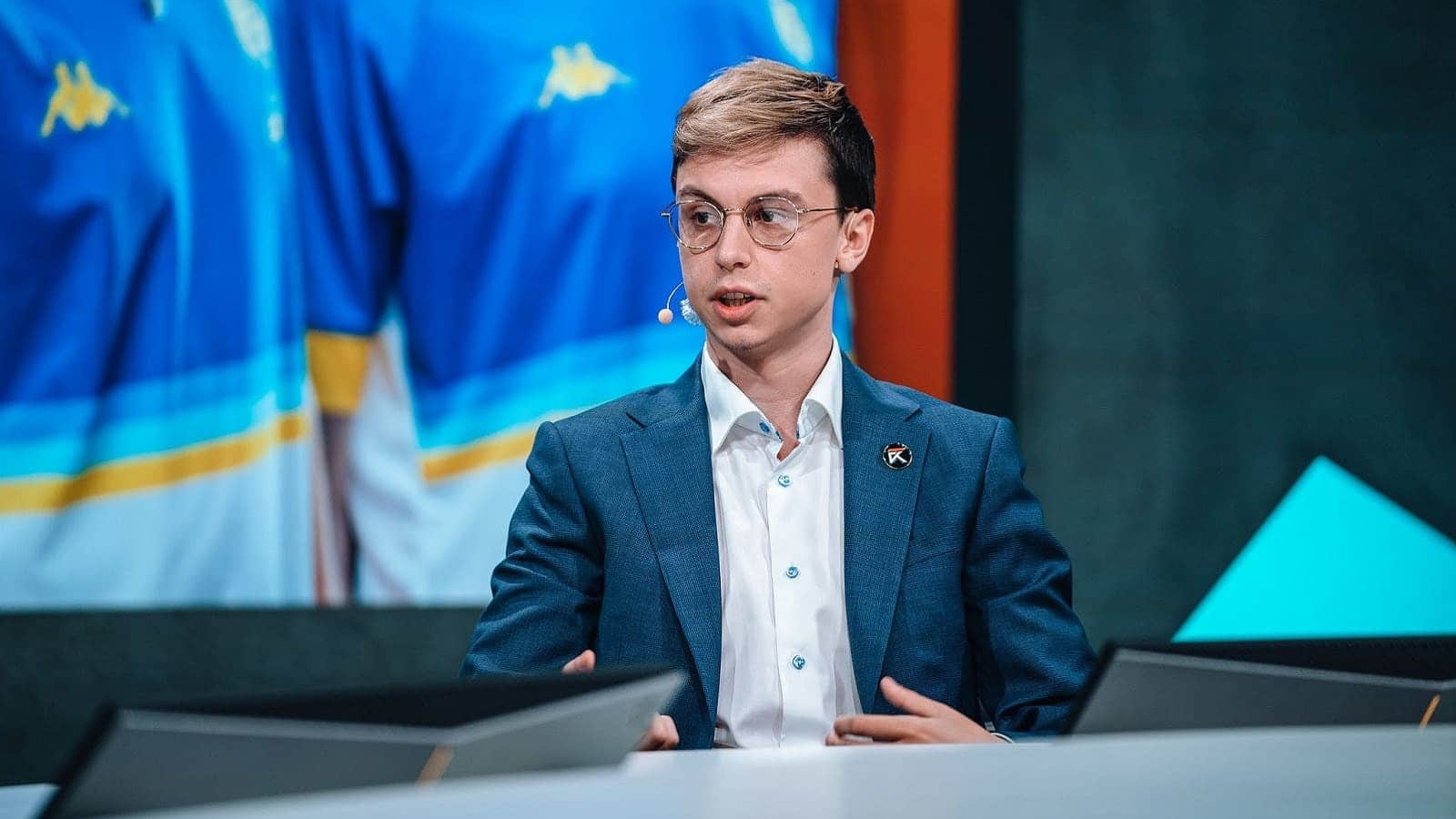
You likely recognize Cooper “Trucklover86” Phelps as a CS2 streamer and competitive player tied to the Mythic stream team. You see his name often because he maintains a visible presence in the Counter-Strike community through regular high-level play.
You may also know him for precise Desert Eagle performances that circulate widely among viewers. That consistency drives interest in how you can replicate his approach through similar in-game settings and configurations.
Trucklover86 CS2 Settings
Trucklover86 CS2 Mouse Setup
You play with a low effective sensitivity that prioritizes control and precision. This setup favors steady rifle aim and consistent tracking.
| Setting | Value |
|---|---|
| Mouse | Finalmouse Ultralight X Large |
| DPI | 400 |
| In‑game Sensitivity | 1.7 |
| eDPI | 680 |
| Zoom Sensitivity | 1.0 |
| Polling Rate | 1000 Hz |
| Windows Sensitivity | 6 |
Trucklover86 CS2 Crosshair Configuration
You use a static crosshair with no recoil follow, keeping visuals clean during fights. The custom color improves visibility without adding clutter.
- Crosshair Code: CSGO-xAomd-mPjfF-ewTh3-5SmUW-znjPK
- Style: Classic Static
- Length: 2
- Thickness: 0.5
- Gap: -3
- Outline: Off
- Color (RGB): 0 / 238 / 144
- Alpha: 255
- Sniper Width: 1
Trucklover86 CS2 Viewmodel Preferences
You move away from the default viewmodel to keep weapons lower and out of the way. This choice opens more screen space for targets.
| Command | Value |
|---|---|
| viewmodel_fov | 68 |
| viewmodel_offset_x | -2.5 |
| viewmodel_offset_y | 2 |
| viewmodel_offset_z | 2 |
| viewmodel_presetpos | 3 |
Trucklover86 CS2 Startup Parameters
You launch the game without custom parameters. This approach keeps the setup simple and avoids conflicts.
Trucklover86 CS2 Display Settings
You run a full HD resolution that balances clarity and stream compatibility. Brightness stays high to maintain visibility on darker maps.
| Setting | Value |
|---|---|
| Resolution | 1920×1080 |
| Aspect Ratio | 16:9 |
| Scaling | Native |
| Brightness | 93% |
| Display Mode | Fullscreen |
Trucklover86 CS2 Advanced Graphics
You favor performance-focused visuals while keeping shadows readable. The configuration avoids latency-focused features you do not rely on.
- Boost Player Contrast: Enabled
- V-Sync: Disabled
- NVIDIA Reflex: Disabled
- G-Sync: Disabled
- Max FPS: Unlimited
- Anti‑Aliasing: 4x MSAA
- Global Shadows: High
- Model / Texture Detail: Medium
- Shader & Particle Detail: Low
- Ambient Occlusion: Disabled
- HDR: Performance
- FSR: Disabled (Highest Quality)
Trucklover86 CS2 HUD Layout
You keep the interface compact and easy to read. The color choice improves contrast without distraction.
- HUD Scale: 0.85
- HUD Color: Green
Trucklover86 CS2 Radar Tuning
You rely on a rotating, player‑centered radar for fast orientation. The zoom level supports quick reads without hiding detail.
- Centered Radar: Yes
- Rotating Radar: Yes
- HUD Size: 1
- Map Zoom: 0.8
Trucklover86 CS2 Gear and Equipment
You use lightweight peripherals and a high‑refresh display to support responsive gameplay.
- Mouse: Finalmouse Ultralight X Large
- Mousepad: Artisan Ninja FX Zero Soft (Black)
- Monitor: Alienware AW2523HF
- Keyboard: Logitech G Pro X TKL (Black)
- Earphones: KZ ZS10 Pro
Trucklover86 CS2 FAQs
You know him in CS2 as Trucklover86, but his real name is Cooper Phelps. He represents the United States and competes at a professional level with Mythic. He has stayed with this team throughout his CS2 career.
You will not find a confirmed public birthday for him. His age remains undisclosed, which is common among competitive players who focus on performance rather than personal details.
You can watch him play CS2 on Twitch, where he streams on a regular basis. These streams often show ranked matches, team play, and practice routines. You also have access to his Steam profile and in-game inventory through his public account.
Core CS2 settings you can reference:
| Setting | Value |
|---|---|
| Mouse DPI | 400 |
| In-game Sensitivity | 1.7 |
| Effective DPI (eDPI) | 680 |
| Resolution | 1920×1080 |
| Aspect Ratio | 16:9 Native |
You can copy his current crosshair directly into CS2 using this code: CSGO-xAomd-mPjfF-ewTh3-5SmUW-znjPK. This setup reflects a preference for precision and consistency rather than extreme adjustments.
You can use these details as a baseline when tuning your own configuration.