Packet loss in Valorant can disrupt your matches without showing a clear error message. You may only notice a fluctuating network graph while your gameplay feels unstable. These sudden disruptions can make aiming, movement, and reactions unreliable.
Packet loss happens when your computer sends data to the game servers and some of that data never arrives. As a result, you may experience rubberbanding, teleporting, or network warning icons. Network congestion, faulty hardware, or incorrect software settings often cause the problem.
How to Fix Valorant Packet Loss
Start with your local network. Restart your modem/router and PC, then switch from Wi-Fi to a wired Ethernet connection, which provides more stable data transfer. Even fast wireless networks can drop packets during gameplay.
Reduce bandwidth strain on your connection. Close background apps such as streaming services, game downloads, cloud backups, or large file transfers. If multiple people share your network, try playing outside peak usage hours.
Use Windows tools to correct common adapter issues:
- Open Settings > Network & Internet
- Run the built-in Network Troubleshooter
- Disable IPv6 in your adapter properties if issues persist
- Set DNS servers to 8.8.8.8 and 8.8.4.4
- Open Command Prompt and run:
ipconfig /flushdns - Restart your PC afterward
Update your network drivers through Device Manager or your motherboard manufacturer’s website. If problems continue, perform a Network Reset in Windows to reinstall adapters and clear faulty configurations.
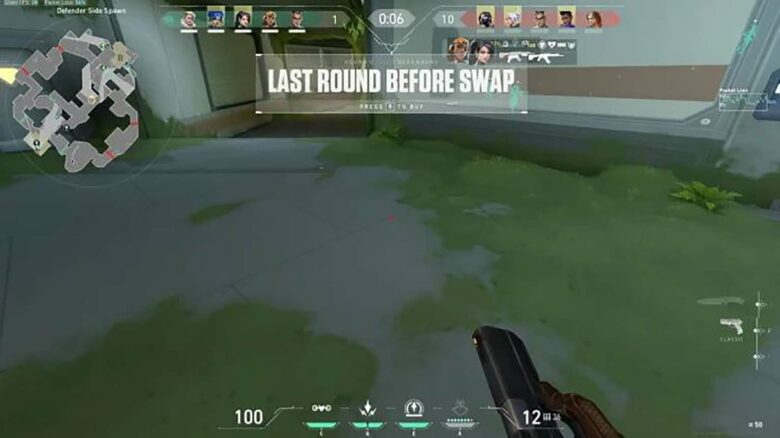
Check Valorant’s in-game network graph to monitor packet loss over time. A constant loss pattern signals a persistent issue, while short spikes may indicate temporary congestion.
If packet loss occurs beyond your local network, contact your ISP and request line testing. When your hardware and ISP show no faults, review Riot’s official connection troubleshooting steps or submit a support ticket with your network logs attached.