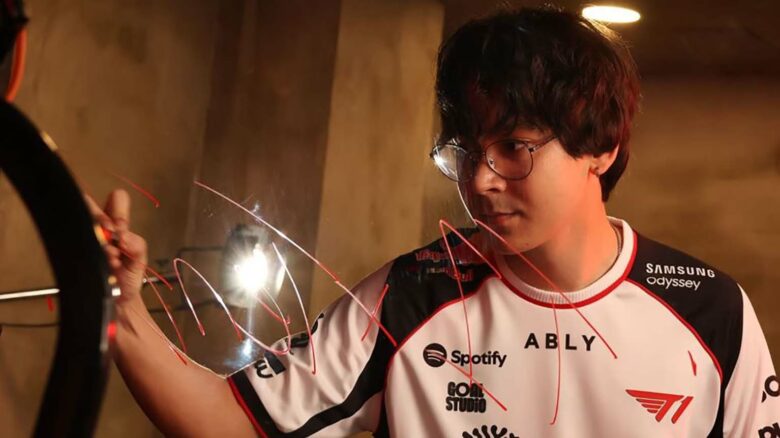
If you want to adjust your VALORANT setup with proven competitive preferences, you can look to Tyson “TenZ” Ngo for guidance. As a former professional player who transitioned into full-time content creation, he remains closely connected to the game and its competitive standards.
You can experiment with TenZ’s crosshair, mouse sensitivity, and overall configuration to see how they influence your aim and consistency. Whether you aim to refine your mechanics or simply test a different approach, his settings offer a practical reference point for your own adjustments.
TenZ Mouse Sensitivity and Settings
You can mirror this setup with a 1600 DPI mouse and 0.173 in-game sensitivity, resulting in an eDPI of 200. He keeps Zoom and ADS sensitivity at 1, maintaining consistent tracking across weapons.
- Windows sensitivity: 6
- Raw Input Buffer: On
He uses the Pulsar TenZ Signature Edition mouse, paired with an Artisan Zero XSOFT mousepad and Wooting 80HE Takeover keyboard for precise control.
TenZ Crosshair
TenZ rotates small details, most often the crosshair color. You will usually see Cyan, though he sometimes switches to White or Green depending on preference and visibility.
Crosshair Code (Cyan variant):
0;s;1;P;c;5;o;0;f;0;0l;2;0v;2;0g;1;0o;1;0a;1;0f;0;1b;0
Core Settings
| Setting | Value |
|---|---|
| Color | Cyan (#00FFFF) |
| Outlines | Off |
| Center Dot | Off |
| Inner Lines | On |
| Outer Lines | Off |
You use a compact plus-style reticle with no visual extras. The design avoids clutter and keeps your aim point precise.
Inner Line Configuration
- Opacity: 1
- Length: 2
- Thickness: 2
- Offset: 1
- Movement Error: Off
- Firing Error: Off
You disable all outer line elements, including opacity and thickness. This keeps the crosshair static and consistent while you move or shoot.
Display Configuration
TenZ plays on a Sony INZONE 480Hz OLED monitor.
General Settings
- Resolution: 1920×1080
- Aspect Ratio: 16:9
- Scaling Mode: Fill
- Display Mode: Windowed Fullscreen
Graphics Settings
- Multithreaded Rendering: On
- Material, Texture, Detail, UI Quality: Low
- V-Sync: Off
- Anti-Aliasing: MSAA 2x
- Anisotropic Filtering: 2x
- Bloom: On
- Distortion & Shadows: Off
You keep most visual effects low to maintain high frame rates and stable performance.
PC Setup
You run this setup to mirror TenZ’s current hardware and desk environment.
Core System – Starforge Voyager II Elite
- CPU: Intel Core i9-14900K
- GPU: NVIDIA GeForce RTX 4090 24GB
- Motherboard: MSI Z790 Tomahawk
- Memory: 64GB Teamgroup Delta RGB DDR5 6000 CL38
- Cooling: 360mm Starforge liquid cooler
This configuration delivers high frame rates that pair well with ultra‑high refresh displays.
Display and Control
- Monitor: Sony INZONE 480Hz OLED
- Mouse: TenZ Signature Edition
- Keyboard: Wooting 80HE TenZ Takeover
- Mousepad: Artisan Zero XSOFT
You combine a 480Hz panel with a lightweight mouse and responsive keyboard to prioritize speed and precision.
Audio Gear
As a Sony INZONE partner, you use:
- Earbuds: Sony INZONE E9
- Headset: Sony INZONE H9 II
This setup supports clear in‑game audio and communication.