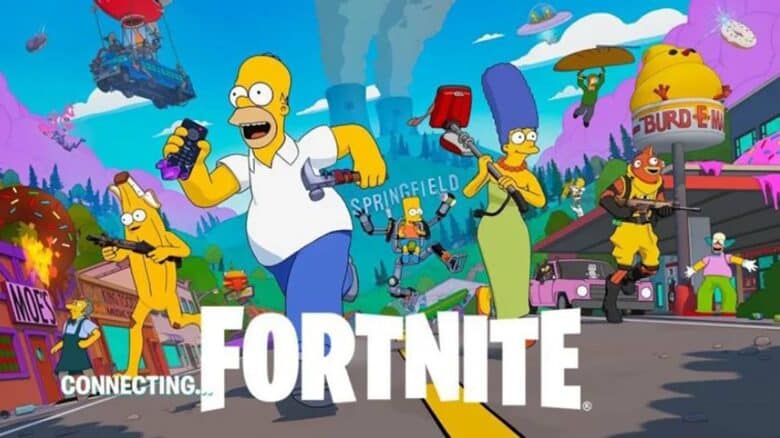
Epic Games has opened preloads for Fortnite’s latest update, version 38.00, which introduces a crossover with The Simpsons. Players on PlayStation 5 and Xbox can now download the update in advance, ensuring quicker access once the servers go live. This early download helps reduce wait times and prevents login congestion when the new season officially launches.
After completing the preload, players must wait for the scheduled downtime to finish before exploring the new season’s content. The update marks another major step in Fortnite’s ongoing expansion, offering fans a smooth transition into its next phase of gameplay.
Fortnite Simpsons Update v38.00 Preload Details
PlayStation 5 Instructions
Players using a PS5 can usually expect the update to start downloading automatically once the console is turned on.
If it does not, follow these quick steps:
- Highlight Fortnite on the home screen.
- Press the Options button on the controller.
- Choose Check for Update from the menu.
The system will search for available files and begin the download if the update is not already installed.
The file size may range from 30 GB to 40 GB, depending on the platform and region.
Xbox Setup Guide
On Xbox, the update may also start on its own, but users can manually confirm it:
| Step | Action |
|---|---|
| 1 | Open My Games & Apps |
| 2 | Locate Fortnite and press the Menu button |
| 3 | Select Manage Games and Add-ons |
| 4 | Choose Check for Updates |
The console will then handle the download process automatically.