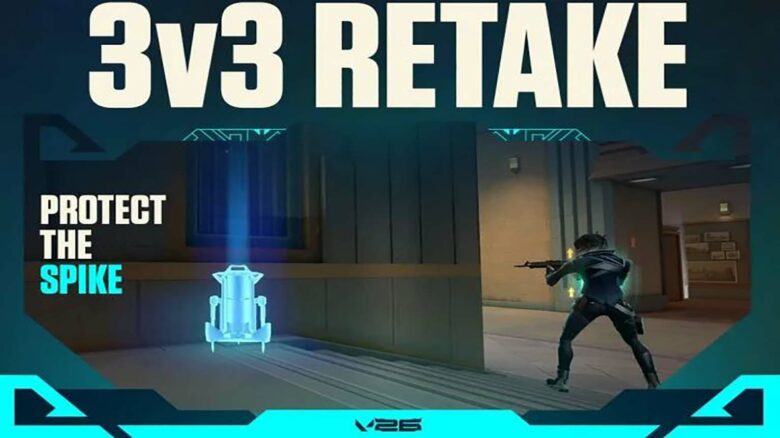
Valorant Season 2026 Act 4 expands the game with major additions, including the new Summit map, a fresh Battle Pass, and a wide range of cosmetic updates. Alongside these changes, you gain access to Retake, a new mode that focuses on tight, post-plant combat in a fast-paced 3v3 format.
Retake places you directly into high-pressure scenarios where every round centers on the Spike already being planted. This guide explains how the mode works and what you need to do to queue up and start playing effectively.
How to Play Retake in Valorant
You can access Retake mode directly from the main menu in just a few clicks. The process stays simple and takes less than a minute.
Follow these steps:
- Open Valorant
- Select Play from the home screen
- Choose Queue on the left panel
- Pick Retake from the available modes
- Press Start
After you queue, the game searches for a lobby automatically. Once matchmaking completes, you load straight into a 3v3 post-plant scenario and begin the match.