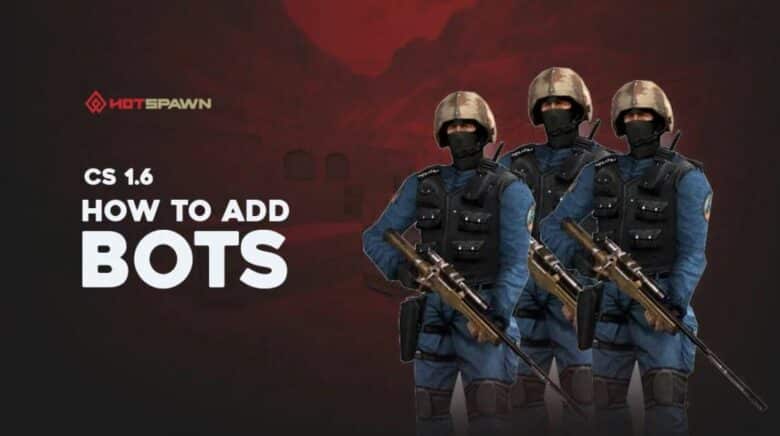
Counter-Strike 1.6 launched before built-in bots became a standard feature in first-person shooters, which meant players originally had no way to practice offline. Over time, the community developed reliable methods to add computer-controlled opponents, allowing fans to enjoy the game without an internet connection.
Today, installing and using bots in Counter-Strike 1.6 is a straightforward process supported by community-made tools. Even after updates that briefly disrupted compatibility, these solutions remain stable and continue to let players recreate the classic experience whenever they want.
How to Add Bots in Counter-Strike 1.6
Players must first download a bot package compatible with Counter-Strike 1.6 and extract the contents to any folder on their computer. Running a quick antivirus scan before installation ensures the files are safe.
Next, they should copy the extracted folders — cstrike, czero, and valve — and paste them into the game’s main installation directory, typically located at:
| Default Path |
|---|
C:\Program Files (x86)\Steam\steamapps\common\Half-Life |
When prompted, select Replace all files to overwrite existing data. This step integrates the bot files with the game.
Once installed, users can launch CS 1.6, open the developer console with the ~ key, and type commands such as bot_add to spawn bots for offline practice or testing.
How to use bots in CS 1.6
After installing a bot mod for Counter-Strike 1.6, players can launch the game and create a local server. In the setup menu, enabling “Include CPU players (Bots) in this game” allows bots to join automatically. The player can then set the number of bots and choose their difficulty level before starting the match.
The CPU Player Options menu offers additional customization. Players can adjust settings such as:
- Allow bots to act independently (go rogue)
- Let bots prioritize human commands
- Limit which weapons bots may use
These adjustments help fine-tune gameplay behavior and balance. For example, restricting heavy weapons can make matches more tactical, while higher difficulty levels increase bot reaction speed and accuracy.
Bots in CS 1.6 respond to in-game events and use radio commands to communicate basic information, such as spotting enemies or securing objectives. They simulate teamwork effectively, offering a reliable offline experience when online servers are unavailable or full of custom modes.
The table below summarizes useful bot settings:
| Setting | Description |
|---|---|
| Difficulty | Adjusts bot skill level from easy to expert. |
| Weapon Limits | Restricts access to certain guns or equipment. |
| Rogue Mode | Allows bots to act without player direction. |
| Follow Commands | Makes bots obey human player orders. |
Using bots provides a practical way to enjoy classic matches and refine skills without needing a full lobby of players.