Cyberpunk 2077 Update
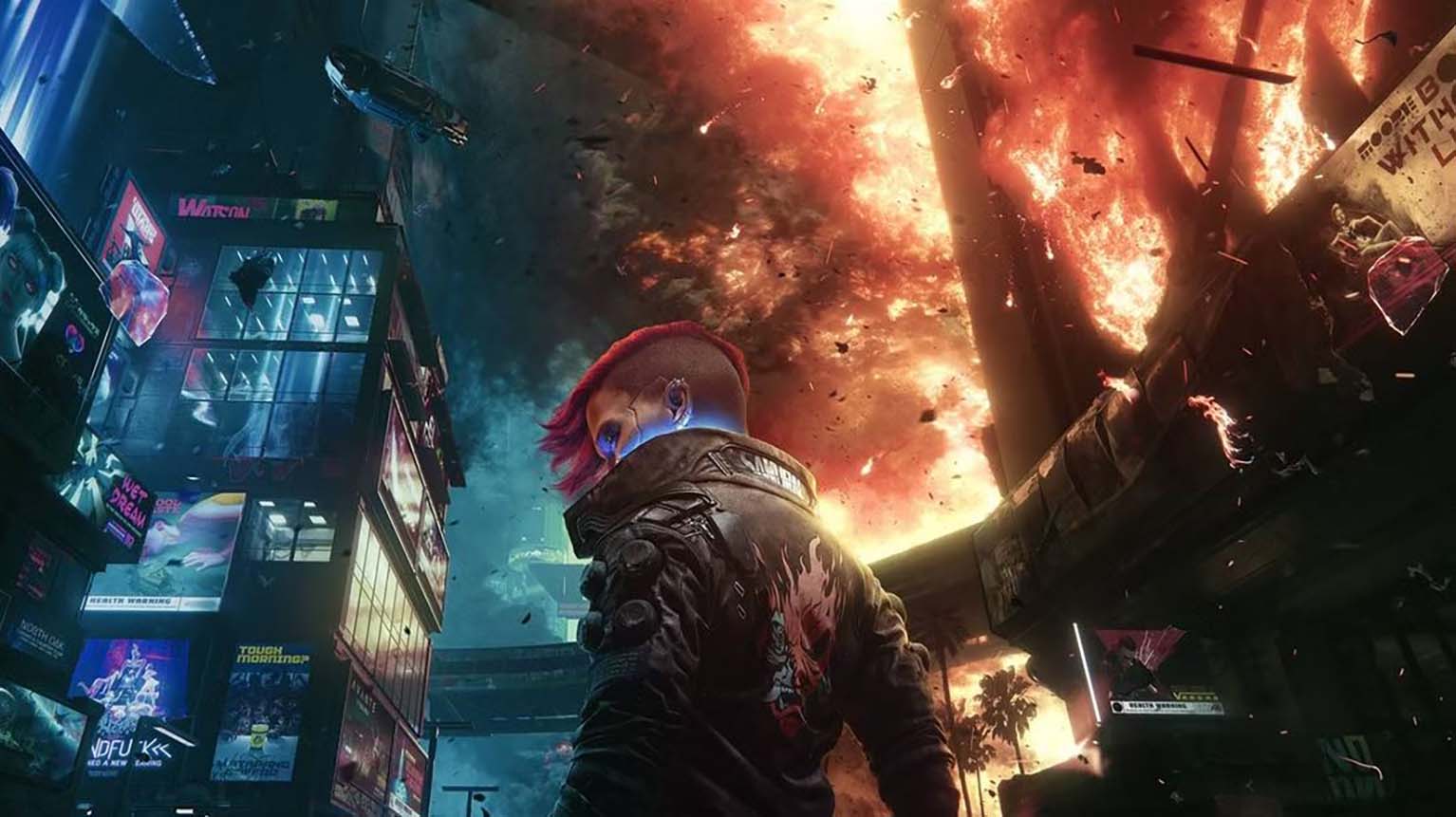
Cyberpunk 2077 has received Patch 2.31, a new update aimed at refining gameplay and improving stability across all supported platforms. The update arrives shortly after the larger Update 2.3, which introduced new content and features, and now focuses on smoothing out technical issues tied to those additions.
Key improvements include adjustments to the AutoDrive system, allowing vehicles to handle routes more efficiently by avoiding unnecessary stops and navigating around obstacles. The patch also corrects issues in Photo Mode and resolves a recurring bug linked to the Delamain Cab Service, ensuring a more consistent experience for players.
Cyberpunk 2077 Update 2.31 Patch Notes
Update 2.31 introduces a range of improvements across platforms including PC, PlayStation 5, Xbox Series X|S, Mac, and Nintendo Switch 2. The patch refines gameplay systems, enhances technical stability, and resolves multiple issues reported by players. Key areas addressed include vehicle features, Photo Mode functionality, quest fixes, and platform-specific optimizations.
Ads Not Displaying Notice
Some users may notice that advertisements are not appearing while browsing. Ads play a role in supporting ongoing development and keeping community-driven resources accessible without additional cost. When ads fail to display, it can be due to browser extensions, VPN settings, or security tools that automatically block them.
To ensure ads appear correctly, users should review their browsing environment. A quick check of installed extensions, privacy filters, or system-level blockers can often resolve the issue. Since ads are designed to be non-intrusive, enabling them helps maintain access to free content without disrupting the browsing experience.
Steps to Enable Ads on This Website
Ads may be blocked by different tools depending on the device or software configuration. Below are practical methods to adjust settings and allow ads to display:
Browser Extension Adjustments
- Click the ad-blocking extension icon in the browser toolbar.
- Select options such as “Pause on this site” or “Allow ads here.”
- Save changes and refresh the page.
VPN Settings
- Open the VPN application.
- Navigate to Features or Settings.
- Locate ad-blocking or tracker-blocking functions and turn them off.
- Refresh the page to confirm changes.
Antivirus or Security Software
- Open the security program’s dashboard.
- Check for options labeled Web Protection, Ad Filtering, or Privacy Controls.
- Disable site-specific blocking features.
- Refresh the page.
If Unsure What’s Blocking Ads
- Review all installed extensions for privacy or filtering tools.
- Temporarily disable them one by one to identify the cause.
- Once identified, configure the tool to allow ads specifically for this site.
Gameplay and System Adjustments
Vehicles
- AutoDrive received an upgrade for smoother navigation and improved reliability.
- Adjustments enhance responsiveness during longer drives across Night City.
Photo Mode
- Most new poses added in Update 2.3 now function across all character genders.
- NPC collision has been disabled, making it easier to place NPCs on surfaces such as cars.
- Fixed an issue where certain poses failed to load correctly for specific characters.
Quests & Open World
- Several quest-related issues resolved to improve progression consistency.
- Fixes applied to side activities introduced in the previous major update.
Miscellaneous Improvements
- Added a toggle in Settings → Graphics → Basic to disable vignette effects.
- Corrected display problems with text messages from Delamain.
- Fixed localization and lipsync inconsistencies across multiple languages.
- Addressed issues with fluff vendors not behaving as intended.
Platform-Specific Fixes
PC Enhancements
- Resolved a bug where enabling DLSS Frame Generation could disable NVIDIA Reflex, causing a pink screen effect.
- Corrected path tracing issues where the feature failed to activate in certain conditions.
Mac Enhancements
- Adjusted HDR settings, frame generation, and performance presets for greater stability.
- Fixed graphical inconsistencies related to ray-traced reflections.
- Improved overall UI performance and responsiveness.
Technical Overview
| Category | Details |
|---|---|
| Platforms Supported | PC, PlayStation 5, Xbox Series X |
| Release Date | September 11, 2025 |
| Developer | CD Projekt Red |
| Engine | REDengine 4 |
| Cross-Save | Supported across PS, Xbox, and PC |
| Expansions | Phantom Liberty |
| Number of Players | Single-player |
| ESRB Rating | Mature (Blood, Violence, Nudity, Language, Sexual Content, Substance Use) |
Additional Notes
- The update maintains compatibility with Steam Deck.
- Optimizations continue for next-gen consoles, ensuring smoother performance.
- Players can expect more stable visuals and refined gameplay across all supported platforms.