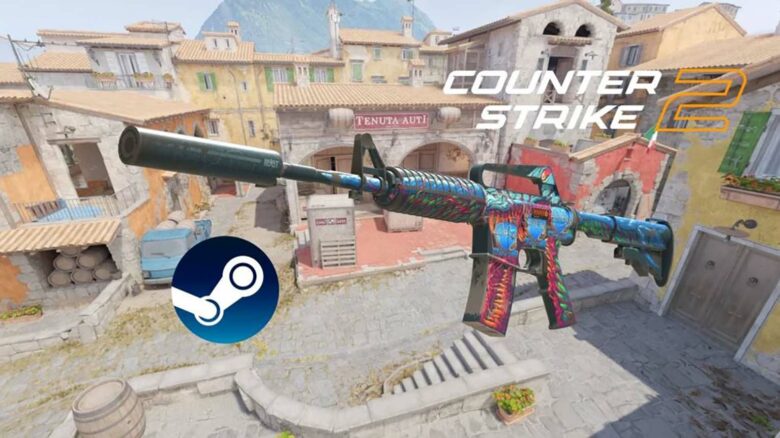
You can now navigate the Steam Community Market with greater speed and precision after Valve’s May 12, 2026 update. The redesign streamlines how you search, sort, and review listings, making it easier to find and purchase in-game items among the growing volume of skins and collectibles.
Every game that uses the Market benefits from these changes, with Counter-Strike 2 serving as the clearest example of the upgraded tools in action. As you browse weapon skins and other items, you experience a more modern listing system that may influence trading activity across the wider skins economy.
Know What You Buy: Clearer Images and Deeper Item Details
Valve expanded listing details to manage a marketplace that now spans thousands of games, with hundreds offering tradable in-game items. You now see more precise visuals and richer descriptions when browsing offers.
Specific item images replace generic previews.
When you check a CS2 skin, the listing shows the exact version tied to that sale.
- You can view how the float value changes surface wear.
- You can inspect the pattern template tied to that item.
- You often see multiple images that highlight important visual traits.
This approach helps you compare two listings that share the same skin name but differ in finish or pattern.
For example:
| Feature | What You Can Evaluate |
|---|---|
| Float value | Level of wear and surface condition |
| Pattern template | Unique visual distribution |
| Applied stickers | Placement and rarity impact |
Listings also include expanded item notes.
These details focus on what makes that specific unit distinct, not general information about the skin collection.
You might find information about rare sticker combinations, notable visual alignment, or traits that resemble highly valued variants. In the case of an AK-47 | Case Hardened, you can review whether the pattern closely matches a sought-after look before you commit to buying.
You make decisions with clearer visuals and item-specific context, not assumptions based on a name alone.
Search CS2 skins with relevant filters
You can now narrow down CS2 skins on the Steam Community Market with precise filters instead of scrolling through mixed listings. The updated tools let you focus only on items that match your exact criteria.
Use weapon type filters to select the specific gun you want, such as separating M4A4 from M4A1-S. This removes unrelated results and keeps your search focused on one category at a time.
Refine results further with extended attributes:
- Rarity (quality)
- Exterior (Factory New, Minimal Wear, etc.)
- StatTrak
- Souvenir
- Collection
These options let you combine multiple preferences in a single search. For example, you can look for a Factory New StatTrak skin from a particular collection without manually checking each listing.
You can also sort listings to better compare prices and availability. This makes it easier to evaluate options before you buy or trade.
The improvements also apply to other Steam items. When you browse trading cards, emoticons, or similar inventory items, you can filter and sort them with the same structured approach.
By applying the right filters from the start, you save time and avoid irrelevant listings.
A major setback for third-party skin marketplaces: CS2, Dota 2, and beyond
You now manage most of your skin activity directly inside Steam. The updated Community Market offers stronger filters, clearer item pages, and improved navigation that previously pushed many players toward external trading sites.
You can sort by weapon type, collection, and other attributes without relying on wiki-style databases. That makes it easier to review full collections, compare listings, and track availability across CS2, Dota 2, Team Fortress 2, and Rust.
Key improvements inside Steam:
- Advanced filtering by collection and item type
- Larger images with clearer item details
- Streamlined browsing and search tools
- More transparent listing information
These features reduce the practical advantages that third-party platforms built their reputation on. External sites often competed through better search tools and richer item data. Steam now covers much of that ground within its own ecosystem.
However, cash withdrawal still separates the two models. You cannot move funds out of the Steam Community Market, while many external platforms continue to offer direct payouts, often with varying fees and conditions.
Recent updates, including major content additions to CS2, show Valve investing heavily in its ecosystem. As Steam improves discovery and usability, you may find fewer reasons to leave the official marketplace for routine trading and collection management.