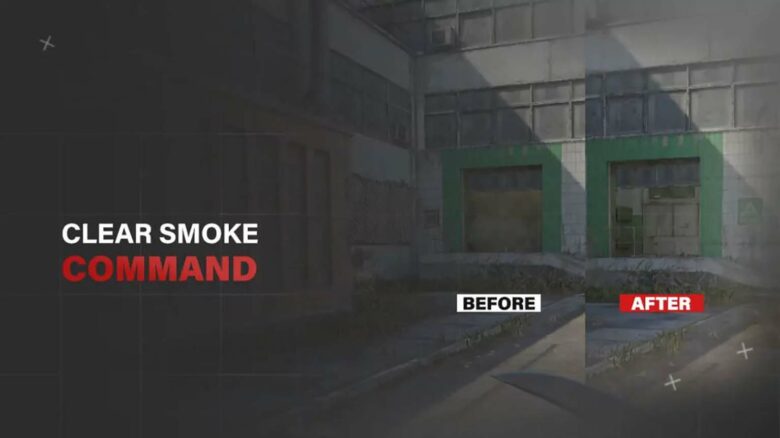
Smoke grenades play a central role in Counter-Strike 2, but waiting for them to fade can interrupt your practice flow. When you work on lineups, executes, or utility setups, you need a fast way to reset the map and try again without delay.
The CS2 clear smoke command lets you instantly remove active smokes so you can refine your throws without wasting time. By binding it to a key, you keep your practice sessions efficient and focused on improving your utility precision.
Remove Active Smokes in CS2
Before you clear smoke, enable cheats in your practice session. Open the developer console and enter:
- sv_cheats 1
Once active, use the command below to remove every smoke grenade on the map:
- ent_fire smokegrenade_projectile kill;stopsound
This command deletes all live smoke projectiles instantly, whether they have fully bloomed or are still deploying.
Use it during grenade practice to reset positions quickly and maintain focus without waiting for smoke to fade.
CS2 Clear Smoke Command Bind
When you practice smoke lineups, you often need to remove active grenades quickly. Assigning the clear command to a key saves time and keeps your routine efficient.
Use this basic bind to remove smoke grenades and stop their sound effect:
bind M "ent_fire smokegrenade_projectile kill;stopsound"
You can replace M with any key you prefer. Many players choose a key that does not interfere with movement or weapon slots, but remains easy to press repeatedly during practice.
If you want to clear all grenade types at once, use a more complete bind:
bind M "ent_fire smokegrenade_projectile kill;ent_fire molotov_projectile kill;ent_fire flashbang_projectile kill;ent_fire hegrenade_projectile kill;ent_fire decoy_projectile kill;stopsound"
This version removes:
- Smoke grenades
- Molotovs
- Flashbangs
- HE grenades
- Decoys
You can reset the map state instantly without restarting the server. While you will notice the effect most when removing smoke clouds, this bind also clears fire, flash effects, and other active utility.