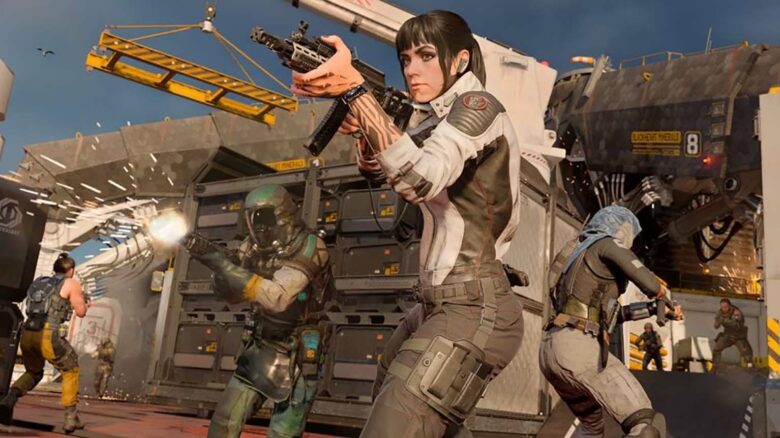
You can run into the HUENEME – NEGEV error in Black Ops 7 right as you try to enter multiplayer, stopping you with a sudden connection message and an unfamiliar code. The issue usually points to a problem between your system and the game’s servers, which prevents you from joining online matches.
Understanding why this error appears helps you narrow down the cause and get back into the game faster. Below, you’ll find what triggers HUENEME – NEGEV and the practical steps you can take to resolve it.
What Triggers the Hueneme – Negev Error in Black Ops 7?
You see the Hueneme – Negev error when the game cannot establish or maintain a stable link with Activision’s online servers. In most cases, the issue stems from a breakdown in communication between your local network and the game’s backend infrastructure.
This problem often appears during server maintenance, high-traffic periods, or shortly after a major patch goes live. When servers struggle to handle demand or undergo updates, your connection request may fail.
The error can also relate to network instability on your end. Common contributing factors include:
- Weak or inconsistent internet connection
- Router or modem configuration conflicts
- Strict NAT type or firewall restrictions
Sometimes the fault lies entirely outside your control, especially during widespread server disruptions.
Solutions for the Hueneme – Negev Connection Error in Black Ops 7
You need to focus on your network first, since this error usually points to a connection failure rather than a game bug.
Start by checking for official server problems. Visit Activision’s service status page or its social channels to see if maintenance or outages affect matchmaking. Also review Xbox or PlayStation network status pages if you play on console.
Next, fully close the game and restart your system. Power down your PC or console, wait a moment, and turn it back on before launching Black Ops 7 again.
Test whether the issue comes from your home network. Connect to a different internet source, such as a mobile hotspot, and attempt to log in. If the game works on another connection, your primary network likely causes the problem.
Reset your hardware if needed:
- Turn off your modem and router
- Unplug them from power
- Wait at least 30 seconds
- Plug them back in and allow the connection to stabilize
You should also switch to a wired Ethernet connection instead of Wi‑Fi whenever possible. A cable connection reduces packet loss and improves stability.
If the error appears right after a major update or seasonal launch, wait and try again later. High traffic can temporarily disrupt logins.
If none of these steps resolve the issue, contact Activision Support directly through its official support portal for further assistance.