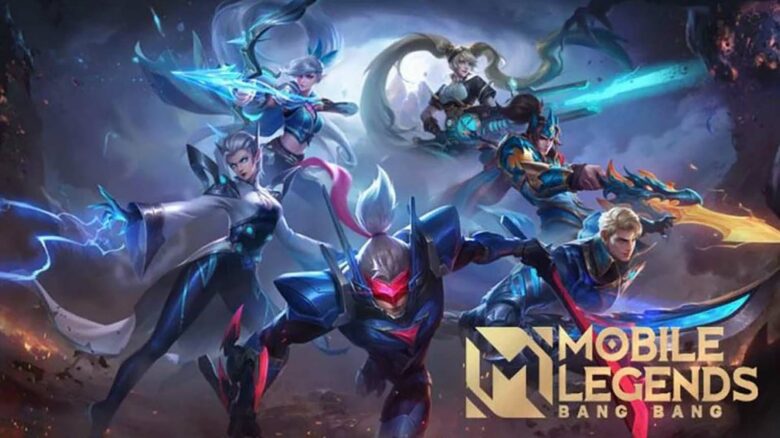
You can access the Mobile Legends: Bang Bang Advanced Server to test upcoming heroes, balance changes, and new features before they reach the main servers. This version runs separately from the regular game and requires you to apply for entry and install a different app on your Android or iOS device.
Because the server accepts only a limited number of players at a time, you need to act quickly when slots open. Understanding the application and download process helps you secure access and start testing new content without delay.
Methods to Access the MLBB Advanced Server
You can enter the MLBB Advanced Server in two main ways. One method uses the standard game client, while the other requires a separate beta app through TapTap.
Both options give you access to upcoming heroes, balance updates, and test features before they reach the official server.
Request Access Through the Official MLBB App
You can apply directly inside the regular Mobile Legends app if your account meets the requirements.
Minimum requirements:
- Account level 15 or higher
- Stable connection with under 100ms ping
Follow these steps:
- Open Mobile Legends on your device.
- Tap your profile icon in the top-left corner.
- Go to the Account section.
- Select Advanced Server on the right side.
- Confirm your application.
After you submit the request, you must wait for approval. Access is not instant, and availability may depend on server capacity.
Once approved, the game displays a “Switch Server” option. You can use this button to move between the Live Server and the Advanced Server.
Keep in mind that profile data between servers does not always carry over in the same way as your main account progress.
Install the Beta Version via TapTap
You can also access the Advanced Server by downloading the Mobile Legends: Bang Bang Beta app through TapTap.
This method does not require approval, but the beta download opens at specific times, commonly around Friday at 12 AM (PST).
Follow these steps:
- Install the TapTap app store.
- Allow installation from third-party sources if prompted.
- Search for Mobile Legends: Bang Bang Beta.
- Download and install the beta app.
- Launch the app and create a new account.
You cannot log in with your existing Live Server account. The beta version requires a separate profile.
This method gives you immediate access once the beta app becomes available. However, you can only use the account on the same device where you created it.