ZZZ Version 2.3 Special Program Announcement
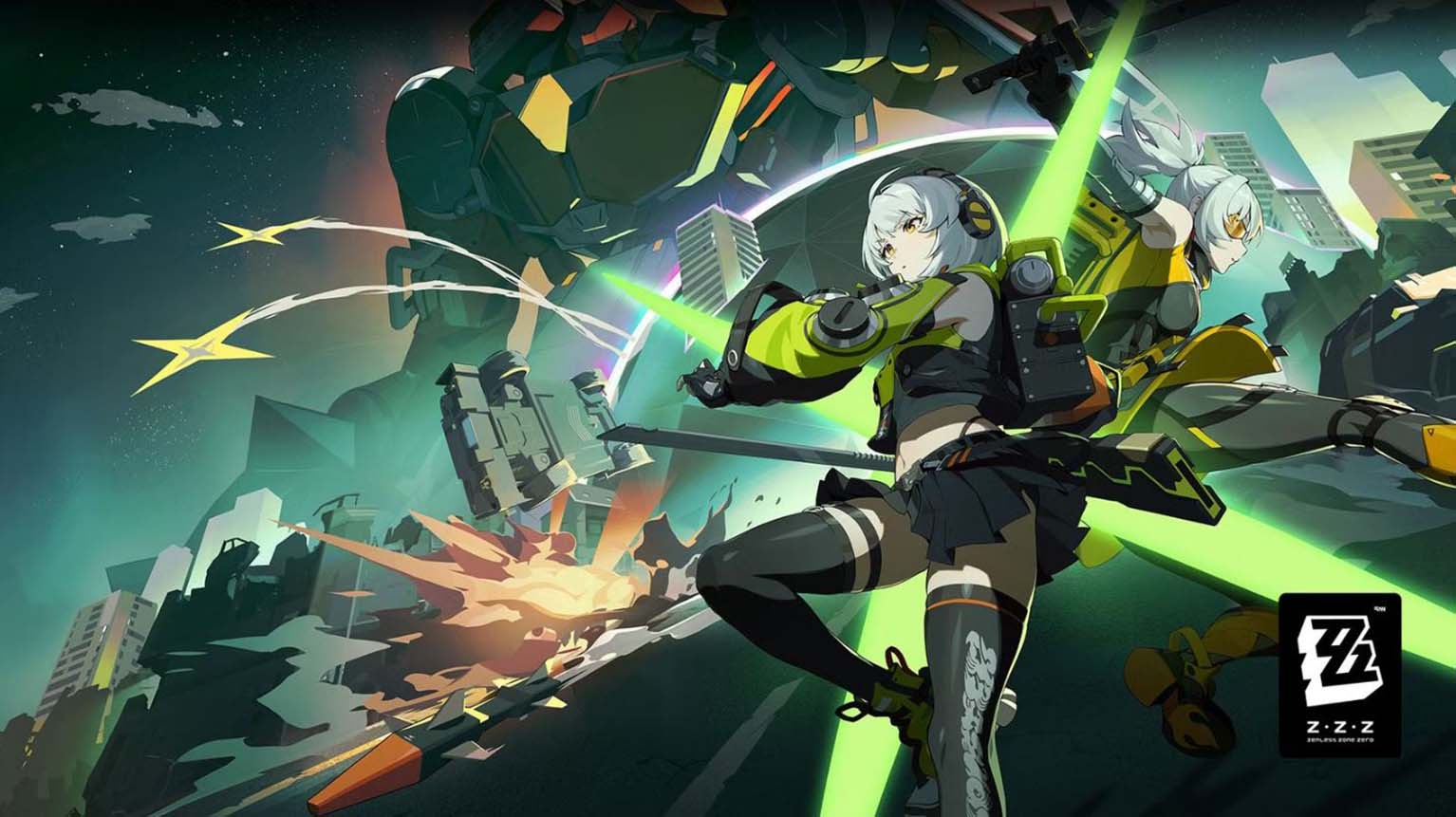
Zenless Zone Zero continues to expand its fast-paced urban action gameplay with the arrival of Version 2.3. The previous update introduced new agents Seed and Orphie, along with challenging encounters against The Defiler and The Defector, giving players fresh content and battles to engage with. Each patch has steadily built anticipation, keeping the community invested in the evolving story and roster of characters.
The upcoming Special Program will showcase the next major update, scheduled to air on September 29 at 7:30 A.M. EDT. This broadcast will highlight three new playable agents, upcoming story chapters, and limited-time events. Players can also expect distribution codes that provide in-game rewards, continuing the tradition of offering bonuses alongside major announcements.
Zenless Zone Zero Announces Version 2.3 Special Program
The developers have confirmed that the Zenless Zone Zero Version 2.3 Special Program aired on September 29 at 7:30 A.M. EDT, offering a detailed look at the upcoming content. The update, titled Memories of Dreams Bygone, is set to roll out on October 15. Players can expect new story elements, event activities, and banner reruns featuring fan-favorite Electric characters such as Harumasa and Soldier 0 Anby. In addition, speculation points toward a fresh cosmetic for Vivian, an S-Rank character originally introduced in Version 1.7.
This broadcast continues the game’s steady update cycle, ensuring players have new features and rewards to anticipate. With banners, skins, and seasonal content on the horizon, Version 2.3 aims to deliver both returning favorites and fresh incentives for long-term engagement.
Ads Are Currently Not Showing
Advertising plays a role in keeping resources accessible without requiring direct payment from users. By permitting ads, readers help sustain the creators and maintain the availability of guides, news, and updates.
To ensure a smooth experience, it is important to check whether ad-blocking tools are interfering. Even minor settings in browsers, VPNs, or antivirus software can prevent ads from appearing.
| Possible Cause | Where to Check | Action to Take |
|---|---|---|
| Browser Extension | Toolbar icon | Select Pause on this site |
| VPN | App settings | Disable ad-blocking features |
| Antivirus | Privacy or web protection menu | Turn off ad filtering |
Refreshing the page after making adjustments often resolves the issue immediately.
Steps to Enable Ads on This Website
Users can re-enable ads by following these steps:
- Locate the extension or tool blocking ads.
- Choose an option such as Pause on this site or Allow ads.
- Save changes and refresh the page.
- If using a VPN, disable any ad-block or tracking protection features.
- For antivirus software, turn off web protection or ad filtering for this site.
If uncertain which program is responsible, check for tools labeled with privacy, filtering, or ad protection. Disabling them for this site ensures respectful, non-intrusive ads display correctly.