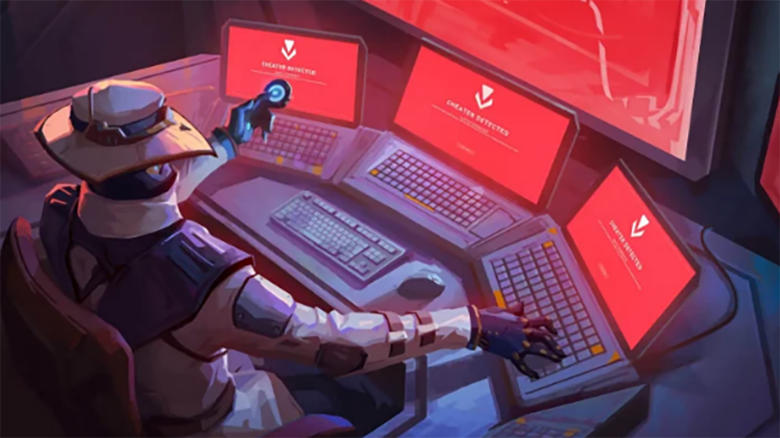
The Valorant incompatible software component detected error stops you from launching the game and blocks access before you reach the main menu. Vanguard triggers this issue when it detects drivers or programs on your system that conflict with its security requirements.
You can resolve this error with proven fixes the community has refined over time. This guide helps you identify common causes and apply reliable solutions so you can launch Valorant without Vanguard interruptions.
How to Fix Valorant Incompatible Software Component Detected Error
This error appears when Vanguard blocks one or more drivers on your system that conflict with its security rules. The alert usually lists the exact file or service causing the problem, which helps you act quickly.
Start by identifying the software linked to the flagged driver. Open Control Panel > Programs and Features, then uninstall the related application. Many conflicts come from hardware monitoring tools, RGB utilities, or low-level system tweakers.
If the program does not uninstall cleanly, you can remove the driver file manually. Look for the listed .sys file in your system folders, delete it, and restart your PC. Only remove files that the error message clearly identifies.
When the driver cleanup does not resolve the issue, reset Vanguard’s main service. Press Windows + R, type services.msc, and press Enter. Find vgc, open its properties, set Startup type to Automatic, then start the service if it is stopped.
If Vanguard still fails to initialize correctly, reinstall it completely. Use the system tray icon to uninstall Vanguard, then launch Valorant to trigger a fresh installation. Restart your PC when prompted, or Vanguard will not load at the kernel level.
Common fixes at a glance
| Action | What it addresses |
|---|---|
| Uninstall conflicting software | Removes incompatible drivers |
| Delete flagged .sys files | Clears leftover driver conflicts |
| Restart vgc service | Fixes Vanguard service errors |
| Reinstall Vanguard | Repairs corrupted anti-cheat files |
After each change, relaunch Valorant to confirm whether the error clears before moving to the next step.