Marvel Rivals Codes And How To Redeem Them
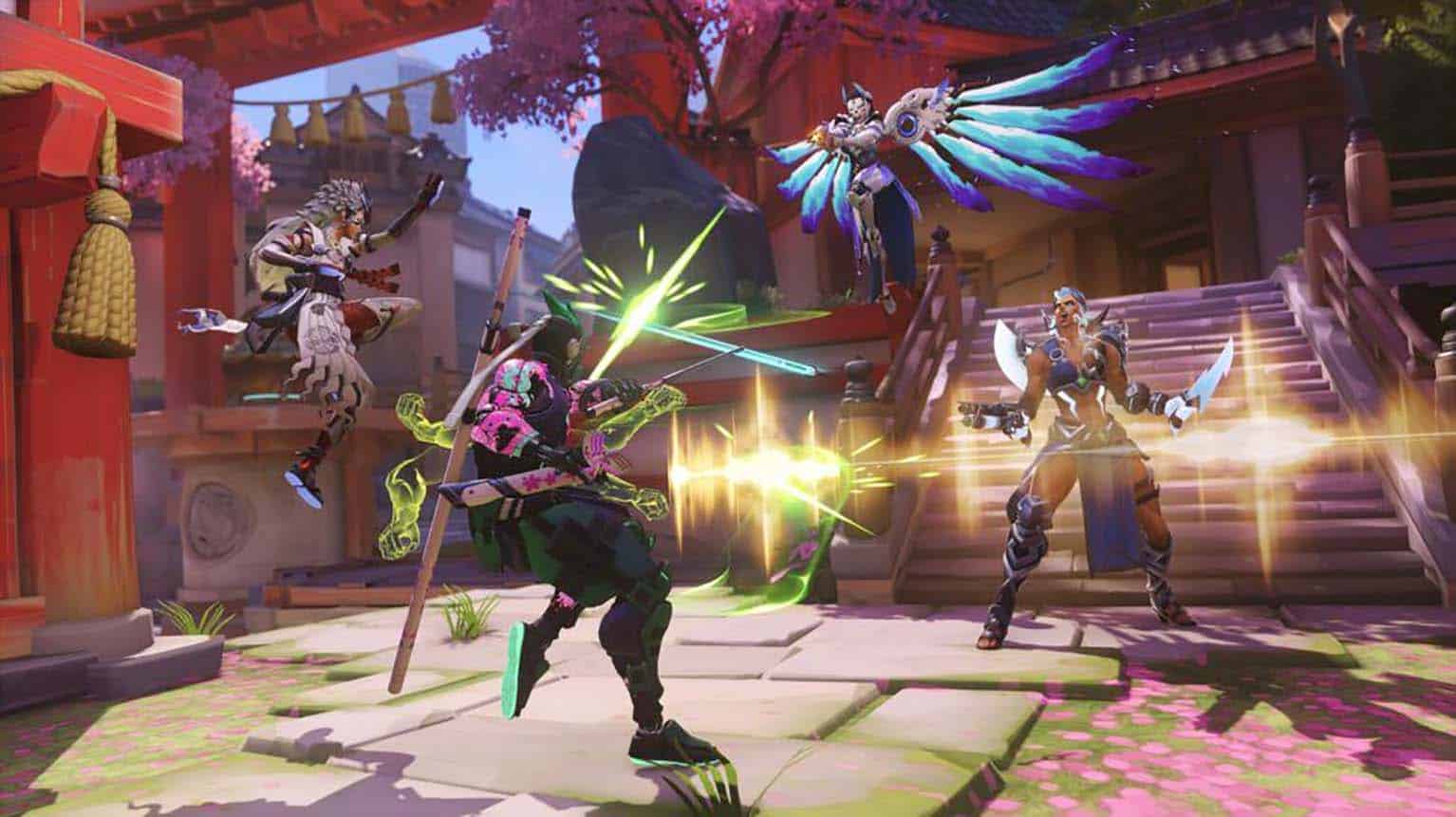
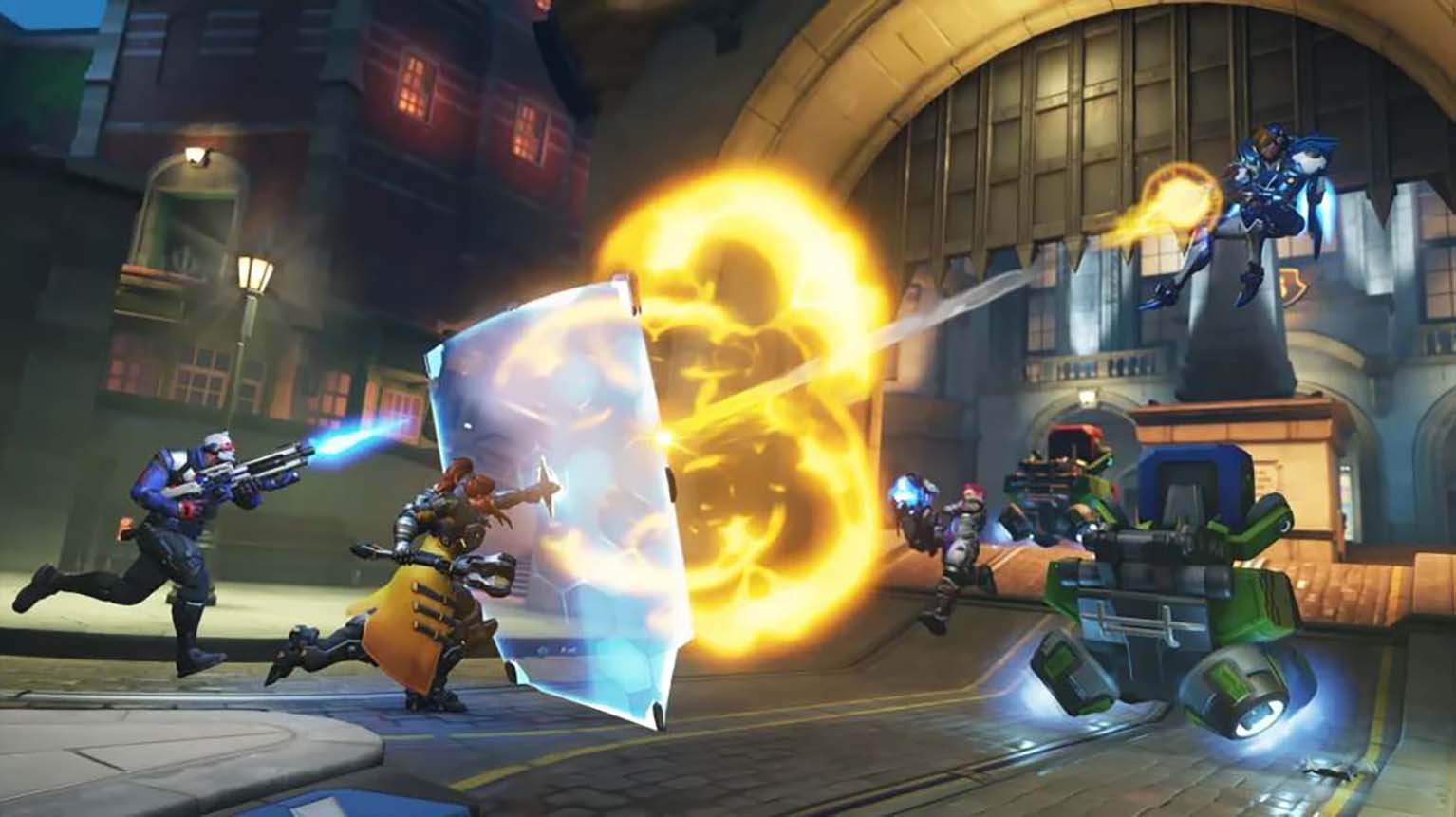
Marvel Rivals has quickly established itself as a major player in the hero shooter genre since its release in late 2024. Its accessible gameplay and free-to-play model have drawn a large and active community, supported by regular updates that introduce new heroes, events, and cosmetic items. The steady flow of content keeps players engaged and helps the game maintain strong momentum.
As with many free-to-play titles, most in-game cosmetics require currency, but the developers also provide opportunities for players to earn free items. Through redeemable codes, players can unlock skins, cosmetics, and other rewards at no cost. This system encourages ongoing participation while giving players a simple way to expand their collections.
Marvel Rivals Codes
Currently Working Codes
At the moment, there are no active redemption codes available for Marvel Rivals. Players should keep an eye on official updates, as new promotional codes can appear without prior notice. These codes often unlock free skins, cosmetics, or other in-game rewards, but they usually remain valid for a limited period.
| Status | Code | Reward | Notes |
|---|---|---|---|
| 🔒 | None available | — | No active codes confirmed as of early October 2025 |
Previously Expired Codes
Older codes have already reached their expiration dates and can no longer be redeemed. These examples show what players could claim in earlier seasons and may hint at similar future promotions.
| Code | Reward | Expiration Date |
|---|---|---|
| nwarh4k3xqy | Iron Man Armor Model 42 skin | March 5, 2025 |
| HEREISTHETHING | Iron Man Armor Model 42 skin | March 5, 2025 |
New codes are expected to rotate in periodically, so checking official channels remains the best way to stay updated.
How to redeem codes in Marvel Rivals
Players can unlock rewards by entering valid bundle codes directly in the game.
Follow these steps:
- Open Marvel Rivals on any supported platform.
- Select the gear icon in the upper-right corner of the main screen.
- Click on Bundle Code from the menu that appears.
- Type the code carefully into the text field.
- Press the yellow “Use” button to confirm.
| Step | Action | Result |
|---|---|---|
| 1 | Launch the game | Access main menu |
| 2–4 | Enter and confirm code | Code validated |
| 5 | Press “Use” | Reward added instantly |
Each code can only be used once per account, and accuracy matters—any typo will prevent the reward from being applied.