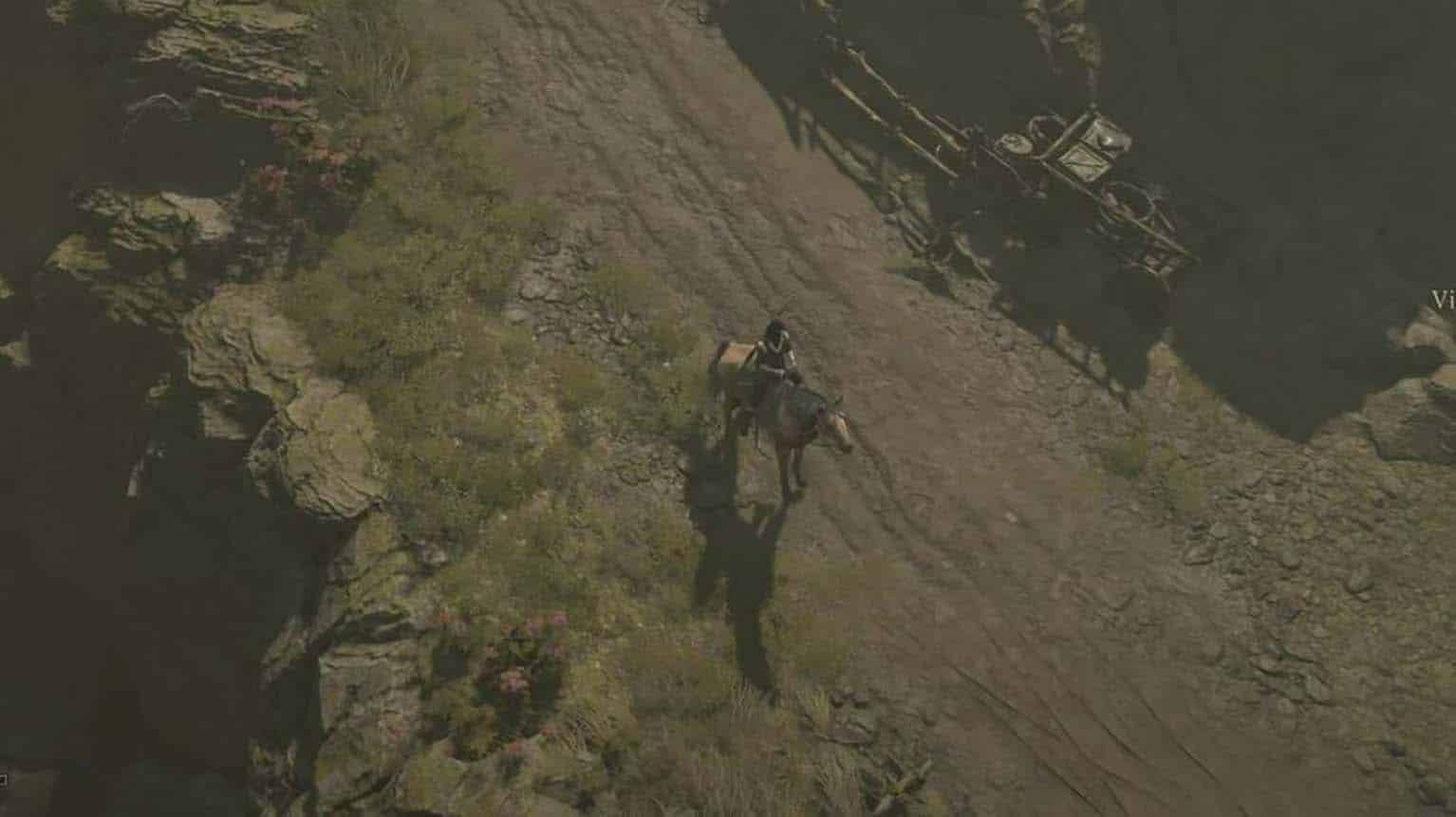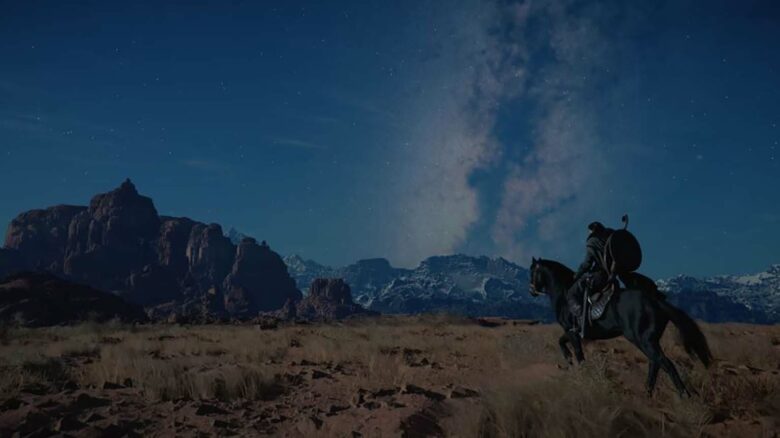
You gain access to a mount early in Crimson Desert, including a free horse that helps you reach the first town. After an early story sequence, you may lose immediate access to that mount, which can slow your travel if you do not know how to call it back.
As you continue playing, you unlock additional mounts, each requiring the same basic summoning method. Understanding how to properly summon your current mount ensures you can move efficiently across the world whenever you need it.
Call Your Horse or Other Mount in Crimson Desert
You can bring your horse to your side at any time, as long as the area allows mounts. The process works the same for Herspia and any other mount you unlock.
To open the mount selection wheel:
- Hold Up on the D-pad (controller)
- Hold the H key (keyboard, default binding)
Keep the button held down to display the radial menu that includes your character and available mounts.
Use your left joystick on controller or mouse on PC to move the cursor to your mount’s icon, which appears along the lower portion of the wheel. Once you highlight the correct mount, release the button to confirm your choice.
Your selected mount will appear beside you after a short delay.
If the game blocks mount usage in your current location, you will see a notification at the top of the screen stating that summoning is not allowed there. This restriction usually applies to certain interiors, story instances, or tightly confined areas.
The input remains consistent throughout the game, so you can rely on the same command regardless of which mount you set as active.