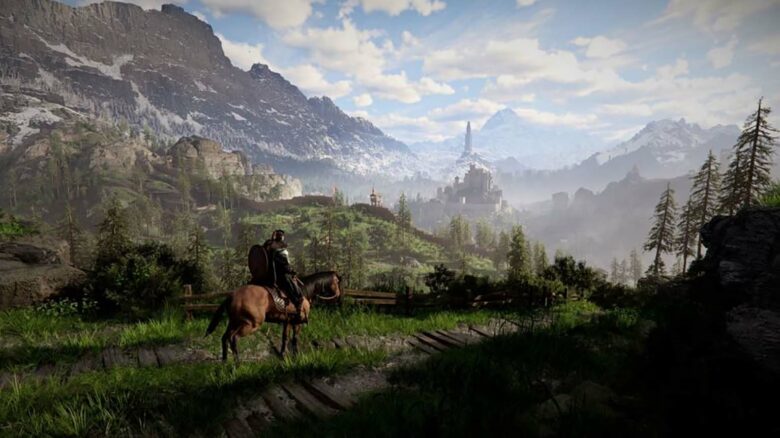
Crimson Desert delivers impressive visuals, but you need the right PC settings to keep performance smooth. While console players have limited options, you can fine-tune graphics settings on PC to improve frame rates and reduce stutter.
If you want stable FPS and consistent gameplay, you should adjust key visual options to match your hardware. The right balance between image quality and performance can make a noticeable difference in how the game runs on your system.
Best PC graphics settings in Crimson Desert
Your ideal setup depends on your hardware and the visual quality you expect. High-end systems can target 60 FPS at near-maximum settings, while older GPUs benefit from selective reductions to maintain smoother frame rates.
The configuration below balances image clarity and steady performance on mid-to-high range PCs.
Recommended Video Options
| Setting | Recommended Value |
|---|---|
| Screen Mode | Fullscreen |
| Display | Primary monitor |
| Resolution | Native resolution |
| Upscaling | AMD FSR or Nvidia DLSS 4/4.5 |
| Upscale Preset | Balanced |
| DLSS Frame Generation | On (if supported) |
| Generated Frames | 2 |
| DLSS Ray Reconstruction | Off |
| Nvidia Reflex | On |
| V-Sync | Off |
Use upscaling on the Balanced preset to gain FPS without heavily reducing image sharpness. Enable Frame Generation on RTX cards to improve smoothness, but leave Ray Reconstruction disabled to avoid unnecessary overhead.
Recommended Graphics Options
| Setting | Recommended Value |
|---|---|
| Model Quality | High |
| Texture Quality | High |
| Shadow Quality | Low |
| Ray Tracing | Off |
| Lighting Quality | High |
| Reflection Quality | Medium |
| Advanced Weather Effects | Off |
| Water Quality | High |
| Foliage Quality | High |
| Volumetric Fog | Low |
| Effects | Medium |
| Simulation | Medium |
| Post-Processing | Medium |
Lower shadows and volumetric fog first, as they reduce performance noticeably. Disable ray tracing to prevent large FPS drops, especially on mid-range GPUs.
Keep textures and models on High if your VRAM allows it. This preserves visual detail without heavily affecting frame rate compared to lighting and shadow adjustments.