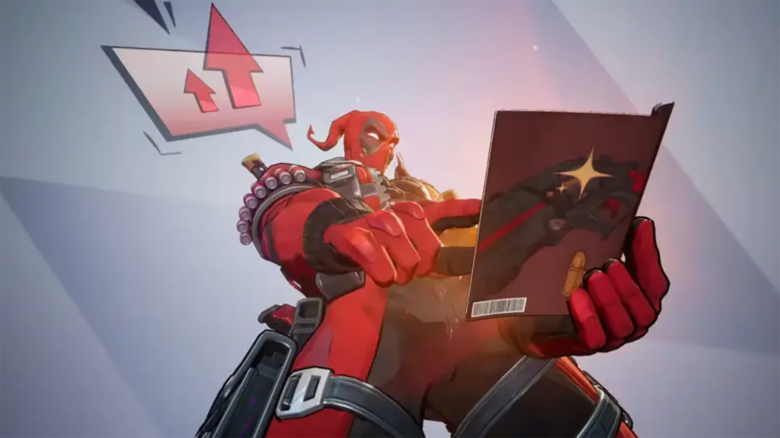
Marvel Rivals Season 6 brings a limited-time Discord Quest tied to Deadpool that rewards you with 700 Discord Orbs. You can earn this currency by completing a simple in-game activity while Discord runs in the background.
If you like personalizing your Discord profile, these Orbs unlock cosmetic options and account features. This article explains what the Deadpool Quest involves and how you can claim the reward without unnecessary steps.
Marvel Rivals grants free Discord Orbs
You can collect 700 Discord Orbs through a limited-time Discord Quest tied to Marvel Rivals.
- When: Jan 16–Jan 23
- How: Accept the Deadpool Quest in Discord
- Task: Play Marvel Rivals for 15 minutes
Rewards unlock after the session completes.
How to find the Marvel Rivals Season 6 Discord Quest
You can reach the quest fastest through a direct Discord Quest link if you already have it. Opening the link takes you straight to the quest page, where you can review requirements and accept it.
If you prefer to navigate inside Discord, use the desktop app for the clearest layout. Click the gear icon near the lower-left corner to open settings. Under Billing Settings, select Gift Inventory, then choose View Quests.
After the quest list loads, scroll until you see the Marvel Rivals Season 6 entry. Select Accept Quest to activate it on your account.
Once accepted, launch Marvel Rivals and keep Discord open. Play for at least 15 minutes to meet the requirement. When time is up, switch back to Discord and click Claim Reward.
Quick navigation options
| Method | Where to look |
|---|---|
| Direct access | Quest link opens the page instantly |
| Manual path | Settings → Gift Inventory → View Quests |
While browsing the quest list, you may notice other active game quests. Playing supported titles can unlock additional Discord Orbs using the same process.
What to do with Discord Orbs
You can spend Discord Orbs inside Discord’s built-in shop. Open the store and select the Orbs Exclusives category to view items available only through this currency.
Common options focus on profile customization and account perks:
- Avatar decorations and profile effects that change how your profile appears
- Nameplates that alter how your username displays
- Profile items that add visual flair to your account
- Nitro credit in limited amounts, depending on availability
You can preview most items before buying them. Hover over each listing to see how it looks on your profile, which helps you decide before spending Orbs.