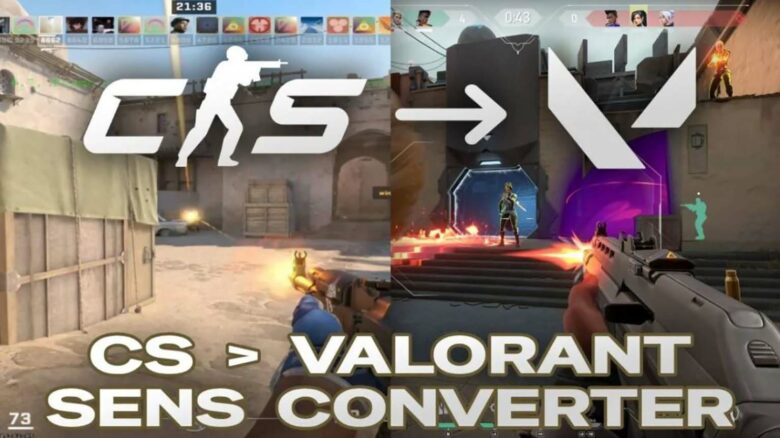
Switching between Counter-Strike and VALORANT can disrupt your aim if your mouse sensitivity does not carry over correctly. Both games rely on precise input, but they handle sensitivity in different ways, so identical values do not produce the same movement.
You can maintain consistent muscle memory by converting your settings instead of guessing. Using a proper Counter-Strike to VALORANT sensitivity conversion helps you adapt faster and keeps your aim reliable across both games.
Why Sensitivity Conversion Matters
Your mouse sensitivity controls how your crosshair reacts to every physical movement. When you switch between tactical shooters without matching that response, you disrupt muscle memory and slow your reactions. You end up relearning basic aim instead of refining decision-making.
Proper conversion keeps your flicks, tracking, and micro-corrections feeling familiar. That consistency lets you focus on positioning, utility timing, and map knowledge rather than fighting your own input.
CS2 and VALORANT handle sensitivity differently, so copying numbers rarely works. Each game uses its own scale and input math, which changes how far you rotate for the same mouse movement.
| Aspect | CS2 | VALORANT |
|---|---|---|
| Sensitivity range | Lower numeric scale | Higher numeric scale |
| Engine behavior | Source-based input | Unreal-based input |
| Rotation math | Game-specific | Game-specific |
Conversion aligns real-world movement, not just settings.
The Conversion Formula
You convert sensitivity between Counter-Strike 2 and VALORANT using a fixed multiplier. When you move from CS2 to VALORANT, divide your CS2 sensitivity by 3.18. When you switch back, multiply your VALORANT value by 3.18.
Core calculations
| Direction | Formula |
|---|---|
| CS2 → VALORANT | CS2 sens ÷ 3.18 |
| VALORANT → CS2 | VALORANT sens × 3.18 |
If you run 1.5 in CS2, the result becomes 0.47 in VALORANT. If you use 0.6 in VALORANT, the equivalent in CS2 equals 1.91.
This method assumes you keep the same mouse DPI in both games. Your effective DPI (eDPI) equals sensitivity multiplied by DPI. Matching eDPI preserves the physical mouse distance needed for a full 360-degree turn.
Fine-Tuning After Conversion
Even when the math lines up, the games may still feel different. VALORANT fixes horizontal FOV at 103°, while CS2 usually sits at 90°, which changes how large targets appear on your screen. That visual shift can make identical sensitivity values feel faster or slower in practice.
Test your converted setting before locking it in. Use VALORANT’s shooting range and CS2 deathmatch to track comfort, tracking stability, and flick control.
Common adjustment patterns include:
- Increase sensitivity if turns feel restricted.
- Decrease sensitivity if crosshair control feels loose.
- Keep changes within 5–10% to preserve muscle memory.
Apply one change at a time, then retest. Consistent evaluation helps your aim settle across both engines.
Scoped Sensitivity Considerations
If you rely on sniper rifles, you need to adjust zoom sensitivity separately from hip-fire. VALORANT uses one scoped value for every weapon, while CS2 applies different zoom multipliers per rifle.
| Game | Scoped Behavior |
|---|---|
| VALORANT | Single global scope value |
| CS2 | Weapon-specific zoom ratios |
You should test scoped settings on their own, since many players keep them independent from base sensitivity.
Counter-Strike to VALORANT Sensitivity – Conclusion
You can align aim behavior between both games by applying a 3.18 conversion factor as a reliable reference point. This value works whether you calculate manually or use a trusted converter.
- Purpose: maintain consistent mouse movement
- Method: multiply your Counter-Strike sensitivity by 3.18
- Result: comparable rotation distance
After conversion, you should validate the setting in practice modes. Make small changes based on control and comfort, not theory. Consistent tuning helps you preserve accuracy when switching titles.