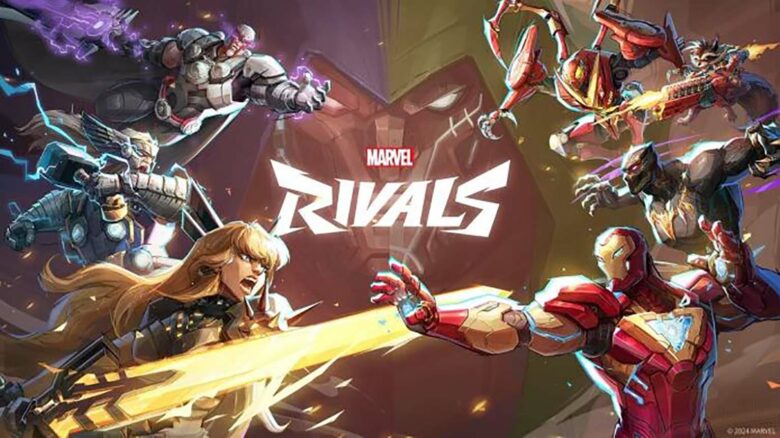
Many players of Marvel Rivals have recently encountered a connection issue that stops the game from linking properly with Steam. Identified by error code 5, this problem prevents login access to the game’s servers, blocking users from starting matches or accessing online features.
The cause of this error can vary. Some cases stem from temporary server interruptions or maintenance on Steam’s end, while others result from local network or configuration issues. In most situations, players can fix the problem themselves with a few straightforward connection checks and adjustments.
How to Fix Marvel Rivals Failed to Connect to Steam Error
When players see Error Code 5 in Marvel Rivals, it usually means the game cannot reach Steam’s servers. Start by checking the internet connection. Restart the router, wait about 30 seconds, and reconnect to see if the issue clears.
If the connection is stable, check whether the Steam or Marvel Rivals servers are experiencing problems. Sites like DownDetector can help confirm if the outage is widespread or local.
If both servers appear online, verify the game files in Steam to repair any corrupted data.
Follow these steps:
| Step | Action |
|---|---|
| 1 | Open Steam Library |
| 2 | Right-click Marvel Rivals |
| 3 | Select Properties → Installed Files |
| 4 | Choose Verify Integrity of Game Files |
Steam will compare local files to the official version and replace missing or damaged ones. Once verification completes, restart the game and attempt to connect again.