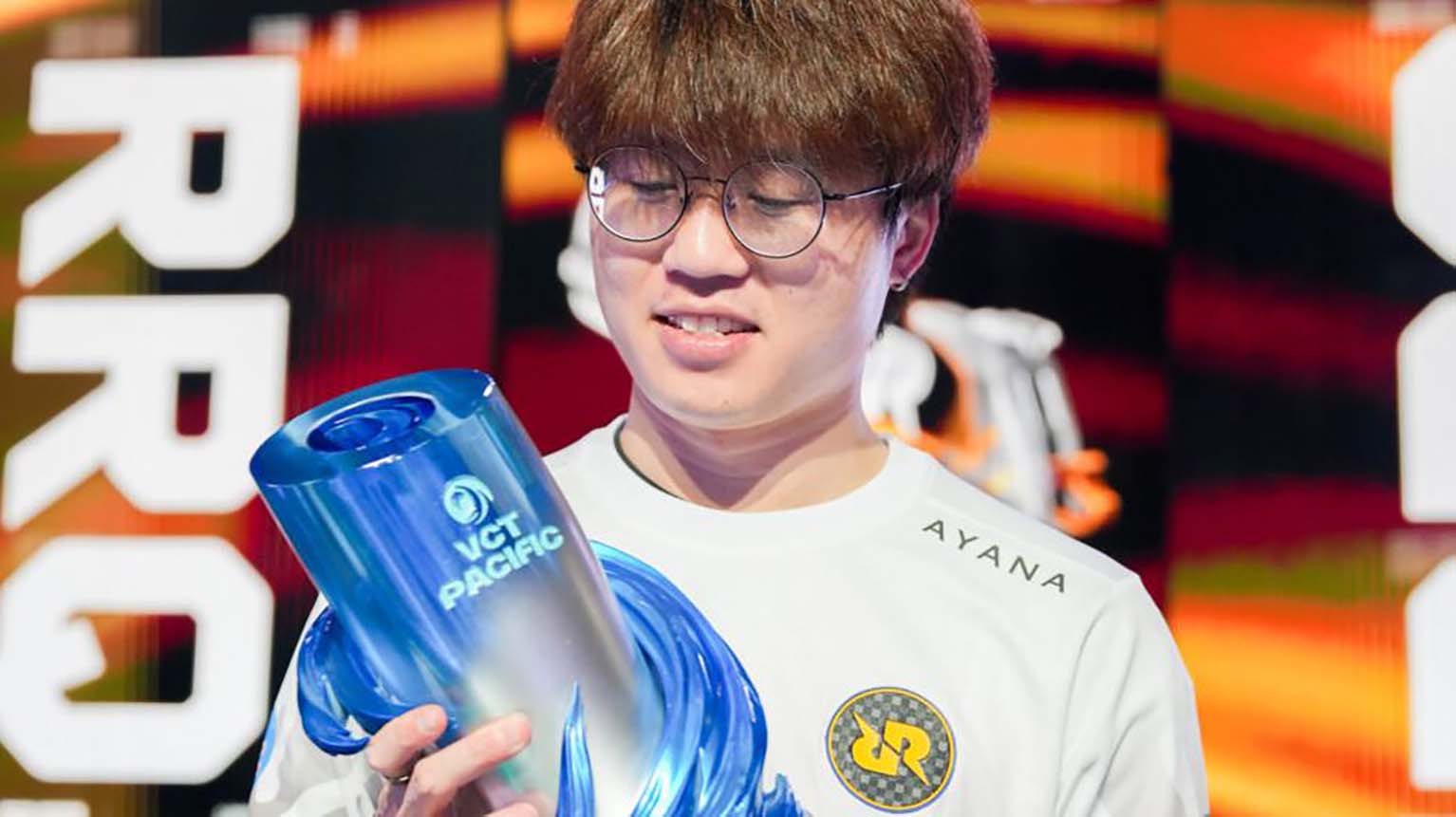
Paula “bstrdd” Naguil has built a strong reputation in the competitive VALORANT scene through consistent performance and dedication. Originally from Chile, she has spent her professional career representing Brazilian organizations, becoming one of the most recognized figures in the region’s Game Changers circuit.
Her time with teams such as Gamelanders Purple and Team Liquid Brazil marked key stages in her development as a player. Through discipline and adaptability, she rose to prominence and established herself as one of the most accomplished competitors in Brazilian women’s VALORANT.
MIBR GC bstrdd: Mouse settings
bstrdd competes using a Razer Viper V3 Pro (Black) paired with an Artisan Ninja FX Zero ZSoft (Black) mousepad. Her setup prioritizes precision and consistency during competitive play.
| Setting | Value |
|---|---|
| DPI | 800 |
| Sensitivity | 0.29 |
| eDPI | 232 |
| Polling Rate (Hz) | 2000 |
| Scoped / ADS / Windows Sensitivity | Not specified |
| Raw Input Buffer | Not specified |
Crosshair
The player uses a white crosshair with the color code #ffffff. Both the center dot and outlines remain disabled, creating a clean and minimal aiming point. This setup emphasizes precision without visual distractions.
Inner Line Details
| Setting | Value |
|---|---|
| Visibility | Enabled |
| Opacity | 1 |
| Length | 4 |
| Thickness | 2 |
| Offset | 2 |
| Movement Error | Off |
| Firing Error | Off |
This configuration forms a compact pattern that stays consistent during movement and shooting.
Outer Line Details
| Setting | Value |
|---|---|
| Visibility | Disabled |
| Movement Error | Off |
| Firing Error | Off |
With outer lines turned off, the crosshair remains simple and focused on the center.
MIBR GC bstrdd keybinds
bstrdd keeps her weapon and ability keys organized for quick access.
Below is a simplified layout showing her known in-game bindings:
| Action | Key |
|---|---|
| Equip Primary Weapon | 1 |
| Equip Secondary Weapon | 2 |
| Equip Melee Weapon | 3 |
| Equip Spike | 4 |
| Ability 1 | C |
| Ability 2 | Q |
| Ability 3 | E |
| Ultimate Ability | X |
Other movement and interaction keys remain unspecified.
MIBR GC bstrdd video settings
bstrdd uses a setup that focuses on performance and visual clarity rather than high graphical detail. Her configuration favors smoother gameplay and consistent frame rates, which are essential in competitive VALORANT matches.
Display Configuration
| Setting | Value |
|---|---|
| Resolution | 1920×1080 |
| Aspect Ratio | 16:9 |
| Aspect Ratio Method | Fill |
| Display Mode | Fullscreen |
| Multithreaded Rendering | On |
Graphics Quality
| Setting | Value |
|---|---|
| Material Quality | Low |
| Texture Quality | Low |
| Detail Quality | Low |
| UI Quality | Low |
| Vignette | Off |
| VSync | Off |
| Anti-Aliasing | MSAA 4x |
| Anisotropic Filtering | 4x |
| Improve Clarity | Off |
| Experimental Sharpening | Off |
| Bloom | Off |
| Distortion | Off |
| Cast Shadows | Off |
These settings indicate a preference for minimal distractions and optimal visibility, allowing her to maintain focus during competitive play.