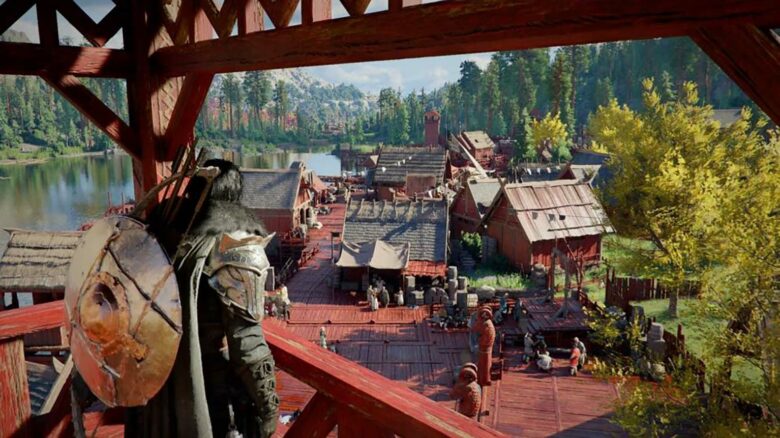
As Crimson Desert settles into its PC launch, you will see more community-made mods appear online. PC players often look to mods to adjust gameplay systems, improve quality-of-life features, or change specific mechanics to better match their preferences.
If you want to customize your experience, you need to understand how mod downloads work and where to find reliable files. Before you install anything, you should know the basic process so you can modify the game safely and keep your system protected.
How to download mods for Crimson Desert
You will find most Crimson Desert PC mods on Nexus Mods, which hosts the largest collection for the game. The library continues to grow, so new options appear regularly.
Start by visiting the game’s section on Nexus Mods. Use the filters on the right side of the page to sort by Most Downloaded, Newest, or other categories to narrow your search.
When you find a mod that interests you, open its page to review the details. Always read the full description before downloading anything.
Many creators include specific setup instructions, compatibility notes, and warnings. Follow those directions closely to avoid errors or save issues.
To download and install a mod manually, follow this process:
- Click the mod’s image or title to open its full page.
- Read the description and confirm any special requirements.
- Select the Files tab.
- Locate the file listed under Main Files.
- Click the orange Manual Download button.
- Sign in to your Nexus Mods account if prompted.
After the file downloads, extract it using a tool such as WinRAR or 7-Zip if it comes in a compressed format.
Most mods require you to copy the extracted files into the game’s installation folder. For a typical Steam installation, you can find it here:
Windows (C:)
> Program Files (x86)
> Steam
> steamapps
> common
> Crimson Desert
> bin64
Paste the required files into the folder specified by the mod creator. Some mods may target a different subfolder, so confirm the correct path before replacing or adding files.
You can also install certain mods through Vortex, the Nexus Mods manager. If the mod page supports manager installation, select the manager download option instead of manual download.
However, not every mod supports Vortex. Manual installation often provides more control and works reliably when you follow the listed instructions.
Always back up your save files before installing multiple mods. Careful installation reduces the risk of crashes, corrupted saves, or file conflicts.