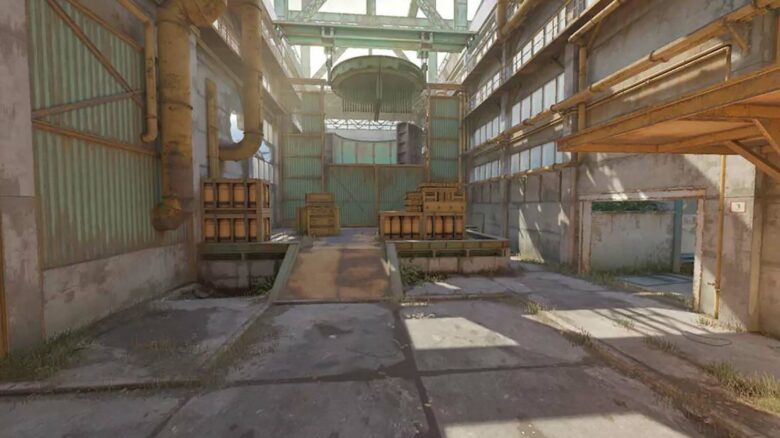
Cache has arrived in Counter-Strike 2, and you can now jump back into one of the game’s most popular maps. While the release has generated excitement, many players have run into a serious audio issue during matches.
If your sound suddenly cuts out while playing Cache, you are not alone. This bug can interrupt gameplay, but you can fix it quickly with a few simple steps.
Resolve Cache CS2 Audio Dropout Issue
When you play on Cache, the game audio can suddenly stop. You can restore sound without quitting the match.
Follow these steps inside the game:
- Open Settings.
- Go to the Audio tab.
- Find Audio Device and open the drop-down menu.
- Select a different output device.
- Switch back to your original device.
This quick device toggle forces CS2 to reinitialize your sound output. In most cases, audio returns immediately after you switch back.
The issue appears frequently on Cache and seems tied to the recent update, but the exact cause remains unclear. Use this method as a temporary workaround until an official patch addresses the problem.