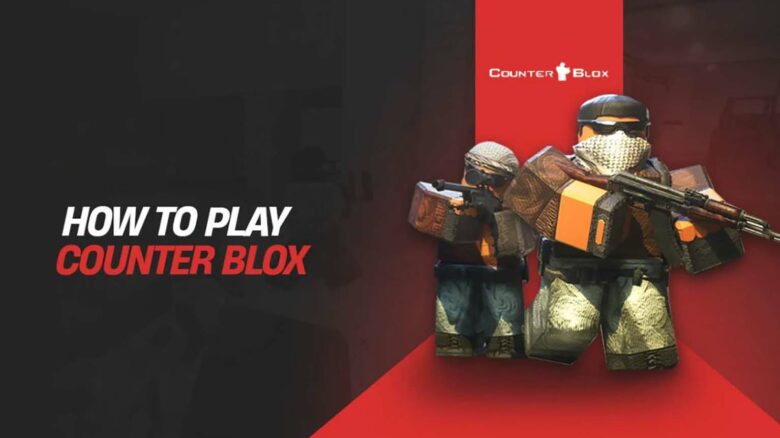
You can jump into Counter Blox, a Roblox shooter that recreates the core feel of Counter-Strike while adding its own twists. The game launched in 2015 and continues to attract players who want familiar competitive mechanics inside the Roblox platform.
You may have seen renewed attention around Counter Blox after a high-profile match featuring professional Counter-Strike players against top community teams. If you want to try this CS-inspired experience yourself, you can access and play it for free on Roblox.
What Is Counter Blox?
You play a Roblox first-person shooter that closely mirrors Counter-Strike while adapting its systems to a block-based engine. The game centers on round-based matches between two teams with distinct objectives, equipment, and win conditions.
You can queue into several familiar modes that emphasize tactical play and coordination:
| Mode | Core Objective |
|---|---|
| Bomb Defusal | Plant or defuse a bomb within a time limit |
| Hostage Rescue | Escort hostages to safety or prevent extraction |
| Deathmatch | Score eliminations with rapid respawns |
You fight across well-known competitive layouts recreated for Roblox. Popular locations include Dust II, Mirage, Inferno, Cache, and Train, each designed to preserve lane control, choke points, and rotation timing.
Gunplay rewards precision and practice. You manage recoil patterns, control spray, and use utility such as grenades and flashes to gain advantages. If you adjust your settings to match other tactical shooters, your mechanical skills translate cleanly.
Weapons largely reflect classic loadouts, including staple rifles, pistols, and sniper options. Some balance differences exist, but the core arsenal stays recognizable.
You also engage with systems unique to this game. You unlock cosmetic skins, complete time-limited challenges, and participate in seasonal events. These additions provide progression and variety without changing competitive fundamentals.
How to Play Counter Blox
You start by creating a Roblox account and installing the Roblox app on your PC. Log in, use the Home page search, and open the Counter Blox game page. Select Play to launch the client and wait for the initial load to finish.
After loading, you land on the main menu. This screen gives you access to settings, inventory, and available game modes. Adjust basic options before joining a match if needed, especially controls and graphics for smoother performance.
To enter a match, choose a mode and confirm the server transfer when prompted. Click Join Match at the bottom-left once it appears. The game places you into a new server automatically.
When the match begins, you wait through a short warm-up. Use this time to test movement, aiming, and weapon handling. Once the warm-up ends, the competitive rounds start.
During play, you join one of two teams and follow objective-based rules similar to tactical shooters. You earn in-game currency by completing actions, then spend it between rounds.
Core actions you’ll use every match:
- Move with standard FPS controls
- Buy weapons and equipment between rounds
- Coordinate with teammates through positioning and timing
- Play objectives instead of chasing eliminations
Main menu features at a glance:
| Feature | Purpose |
|---|---|
| Settings | Customize controls and visuals |
| Inventory | View owned skins and items |
| Game Modes | Select how you want to play |
You can leave a match after it ends and return to the menu to queue again or adjust options.